Tip Of AI
Discover what you can do with AI
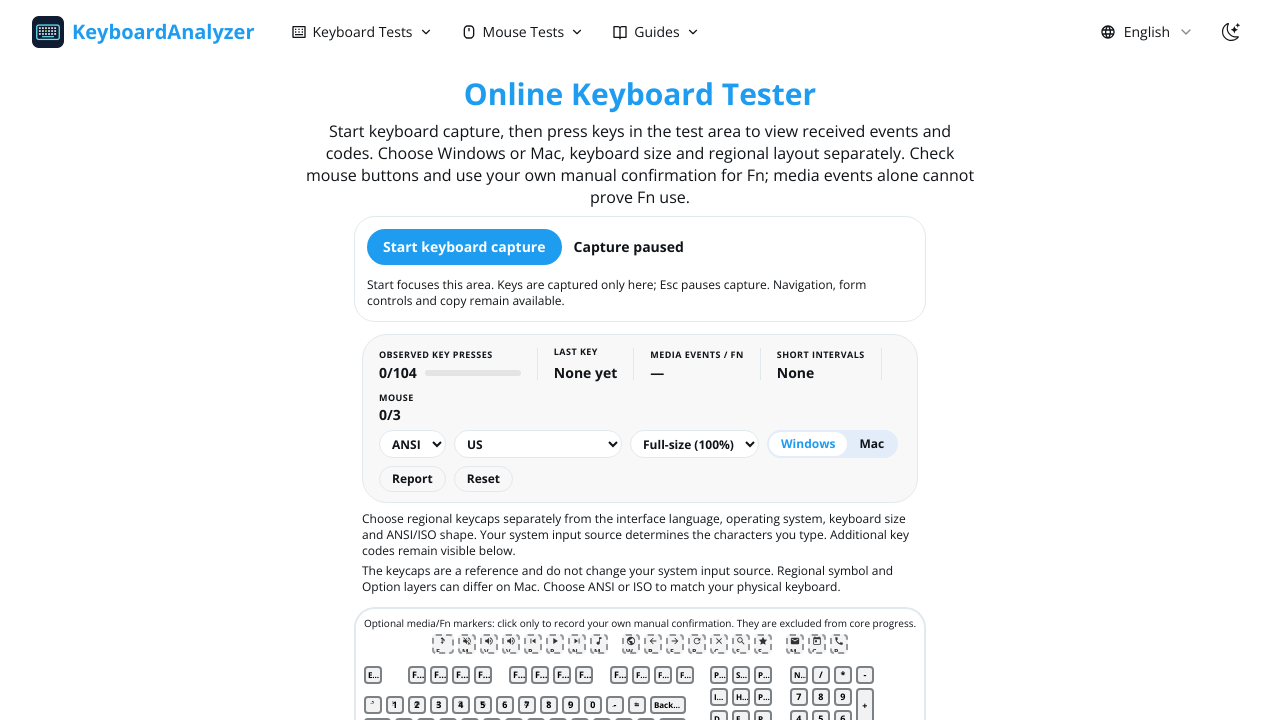
KeyboardAnalyzer is a free online hardware testing website that runs directly in a web browser without downloads or account registration. It helps users check whether keyboard keys and mouse buttons are detected correctly on Windows and Mac systems. The keyboard tester displays pressed keys observed key events browser key codes layouts and physical keyboard configurations. Users can select Windows or Mac modes ANSI or ISO layouts keyboard sizes and regional keycaps. The service includes tests for typing speed keyboard actions per second ghosting and NKRO performance latency key chatter snap tap SOCD behavior and spacebar speed. It also provides a manual checklist for Fn and media keys that browsers may not expose directly. Mouse testing features include button detection hold and release events wheel direction clicks per second double clicking right clicking jitter clicking butterfly clicking Kohi clicking scroll speed and estimated polling rate. Additional tools help investigate incorrect characters unresponsive keys repeated inputs and scrolling problems. Testing data is processed in the browser and typed text is not stored as raw content. Progress may be saved locally in the browser and aggregate usage analytics may be collected. The site also provides troubleshooting guides for keyboard maintenance input layouts ghosting and hardware repairs.