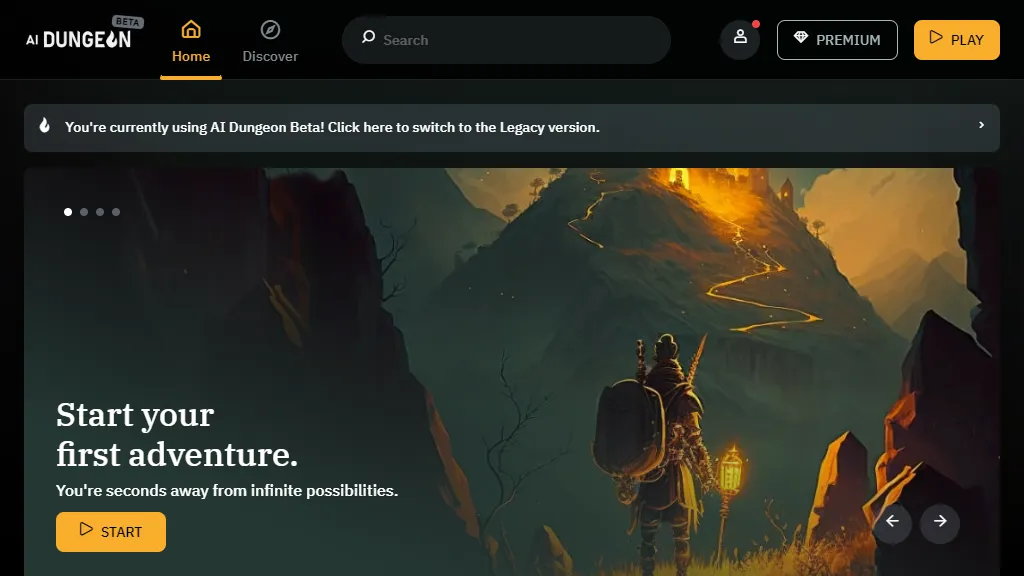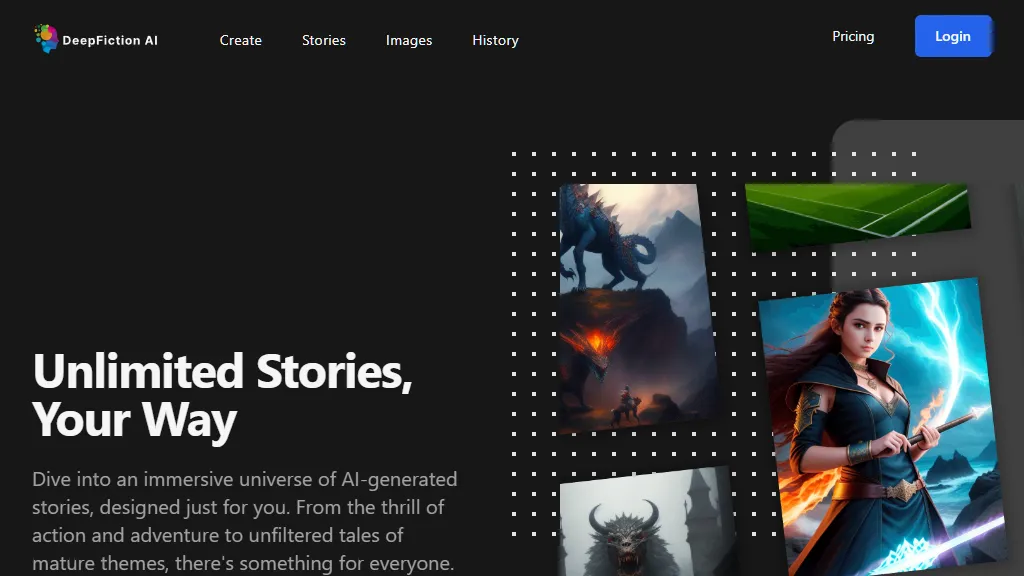
Revolutionize storytelling with the AI story generator. Choose from various genres, tones, and settings to effortlessly produce authentic stories. Say goodbye to writer's block with an AI generated story.

Tip Of AI
Discover what you can do with AI
Revolutionize storytelling with the AI story generator. Choose from various genres, tones, and settings to effortlessly produce authentic stories. Say goodbye to writer's block with an AI generated story.
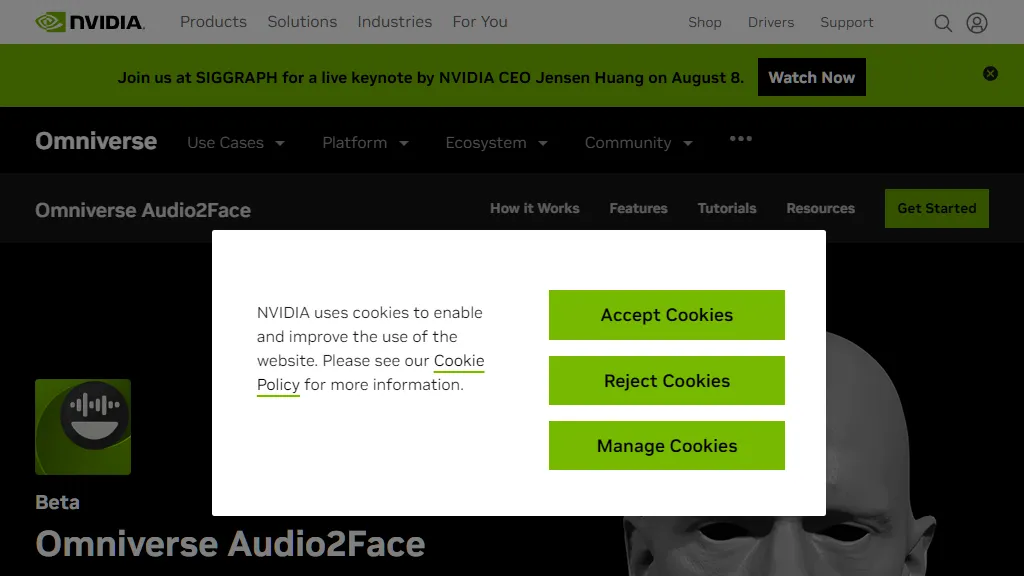
Audio2Face simplifies animation of a 3D character to match any voice-over track, and can be used in real time or within traditional character creation workflows.
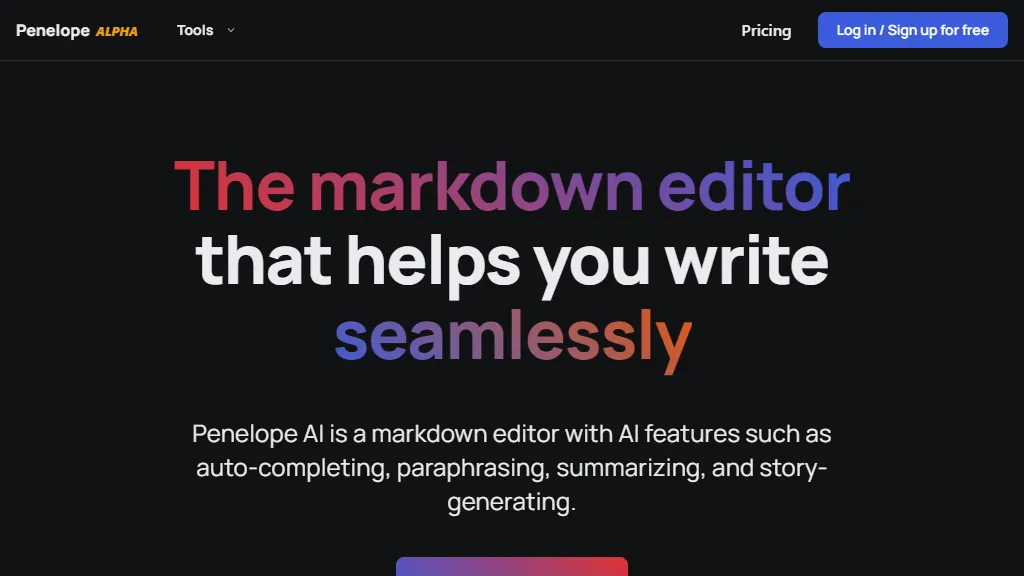
Penelope AI is a markdown editor with AI features such as auto-completing, paraphrasing, summarizing, and story-generating.
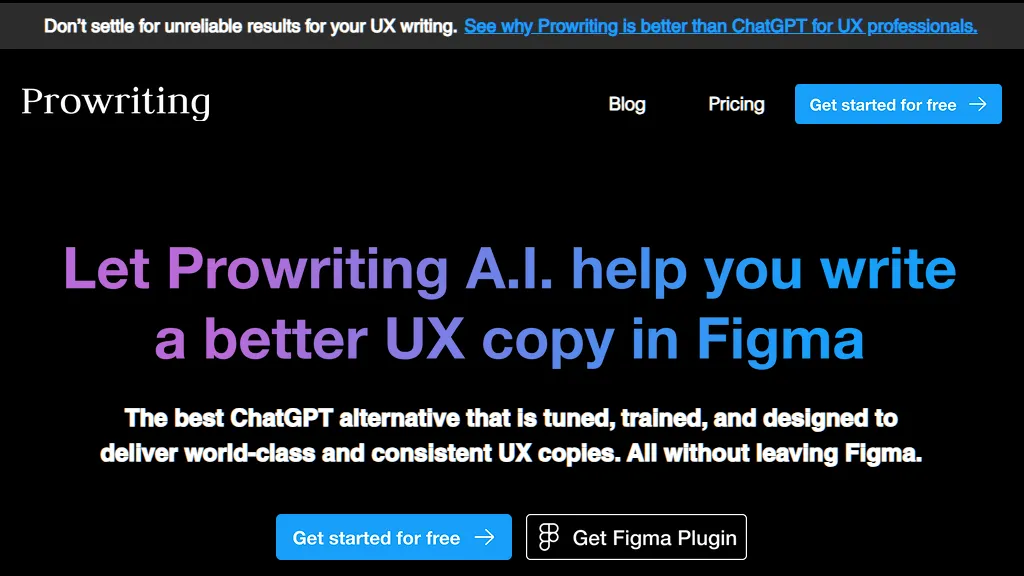
Get the best writing experience with Figma's powerful Proofreading & AI technology. Improve your writing accuracy and save time on editing with ease. Try it now!
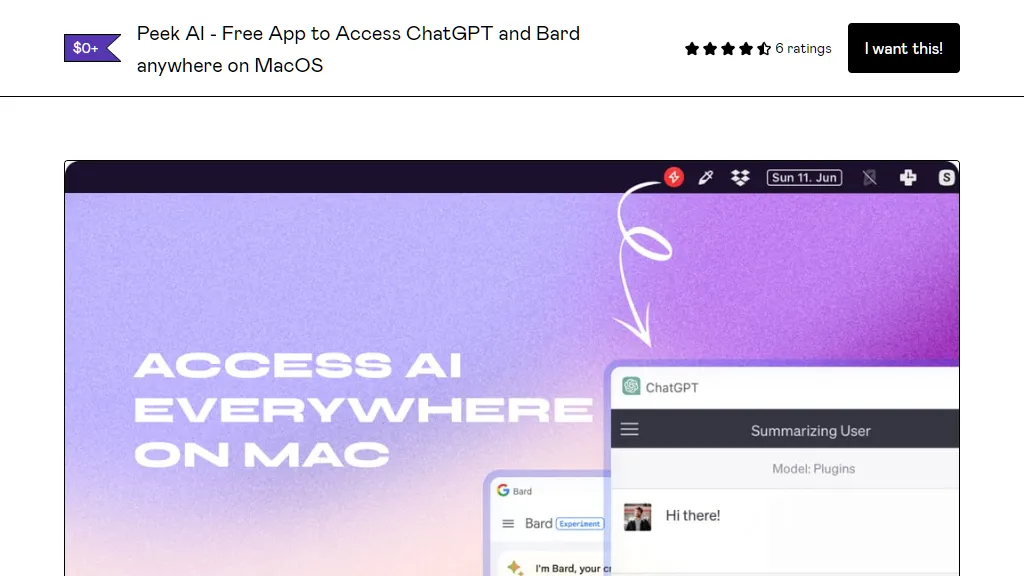
Updated with a new version as of June 24, 2023 🚀Peek is a MacOS Menu Bar application that allows you to interact with multiple AI chatbots in one place. No API key needed! It provides a seamless and intuitive user interface for interacting with AI chatbots like OpenAI's ChatGPT, Google's Bard, Pi by Inflection AI, and Perplexity AI. This also means your history is synced across devices.Features💬 Multiple AI Chatbots: Peek supports multiple AI chatbots (ChatGPT, Bard, Pi, Perplexity). You can easily switch between different chatbots using the dropdown menu. 🔒 Your privacy is taken care of. The app is essentially a webview of the platforms (like a browser inside an app) - so no data is passed through the app - it just an interface for ChatGPT, Bard, Pi, Perplexity, so all data goes through them.❌ No API keys needed. Just log in with your accounts.🛟 Floating Window: Use ⌘+J to summon the app; it’ll always be on top and instead of closing, use the shortcut again to toggle off.📸 Beautiful Screenshots: You can take a screenshot of your chat using the ⌘+Shift+S shortcut. The screenshot will be saved to your local machine. Or copy it to your clipboard directly using ⌘ +S. This is also my favorite feature that I had a lot of fun baking in. 🌞 Menu bar Icon: Peek sits in your system Menu Bar for easy access.🌑 Dark modeTo install Peek, download the latest release by paying what you want.UsageUnzip the download file and move Peek to the application folder. You can launch the app from your Applications folder on MacOS. To switch between different chatbots, click on the dropdown menu at the top of the app and select the chatbot you want to use. To toggle the window, press ⌘+J. To take a screenshot of your chat, press ⌘+Shift+S. The screenshot will be saved to your local machine. To copy a screenshot to your clipboard, press ⌘+S.Use CasesPeek is great for anyone who uses AI chatbots, whether you're a developer, a writer, a student, or just someone who likes to chat with AI. Here are a few ways you could use Peek:Developers: Use Peek while you are coding like a co-pilotWriters: Use Peek to chat with AI and get ideas for your writing wherever you are (docs, notes, notion) - all without switching context.Students: Use Peek to get help with your homework from AI anywhere on MacAnyone interested in AI: Make this your co-piliot and use it anywhere you want.I hope you enjoy using Peek!For any queries / feedback / suggestions, please reach out to me on Twitter