Tip Of AI
Discover AI tools
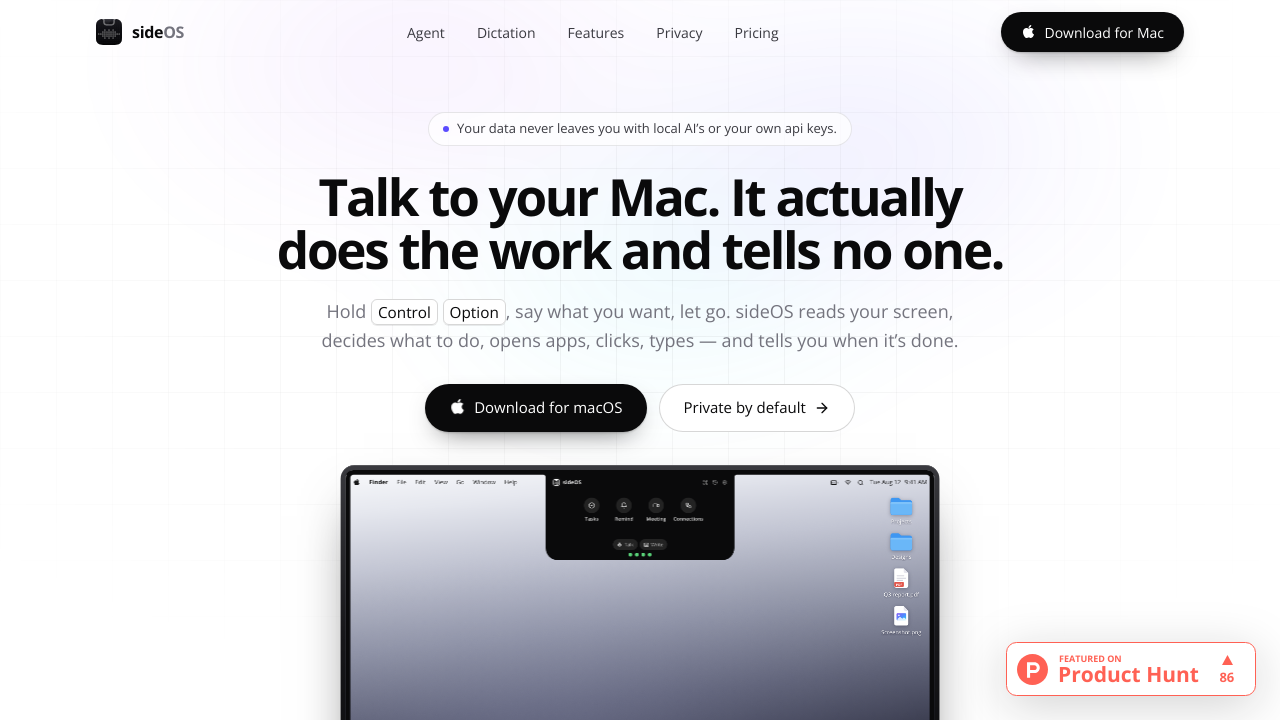
sideOS is a native macOS AI assistant designed to act directly on a users computer instead of only returning conversational answers. It is activated from the MacBook notch with Control and Option, allowing users to speak or type requests. The assistant reads the active screen through the macOS accessibility tree in approximately 50 milliseconds, understands interface elements, opens applications, clicks buttons, types text, uses keyboard shortcuts, runs AppleScript, and reports completed actions aloud. It supports applications including Mail, Safari, Notes, Calendar, Finder, Slack, Chrome, Figma, VS Code, Messages, Pages, Numbers, Music, Preview, and Terminal. The product includes on device dictation with no API request or cloud billing. Dictation supports up to 62 languages through macOS speech engines and can type directly at the cursor in any application. Users can also select regions of the screen while speaking so sideOS can interpret charts, images, video, errors, and other visual content. Background tasks can search the web, read and write files, run shell commands, create PDFs, and use connected tools, while actions that may be destructive require approval. sideOS also provides meeting recording and transcription, automatic summaries, action extraction, reminders, scheduled background jobs, searchable local activity history, personal memory, document reading, chat, text to speech, and MCP server connections. It integrates with services such as Gmail, Calendar, Notion, Slack, and GitHub. Data is designed to remain on the Mac, with local Whisper transcription, optional local language models, Keychain protected credentials, configurable retention, and excluded password manager applications. Users can choose Claude, OpenAI, Gemini, or Grok models using their own provider keys, while offline models from 4B to 30B parameters are also supported.