Tip Of AI
Discover what you can do with AI
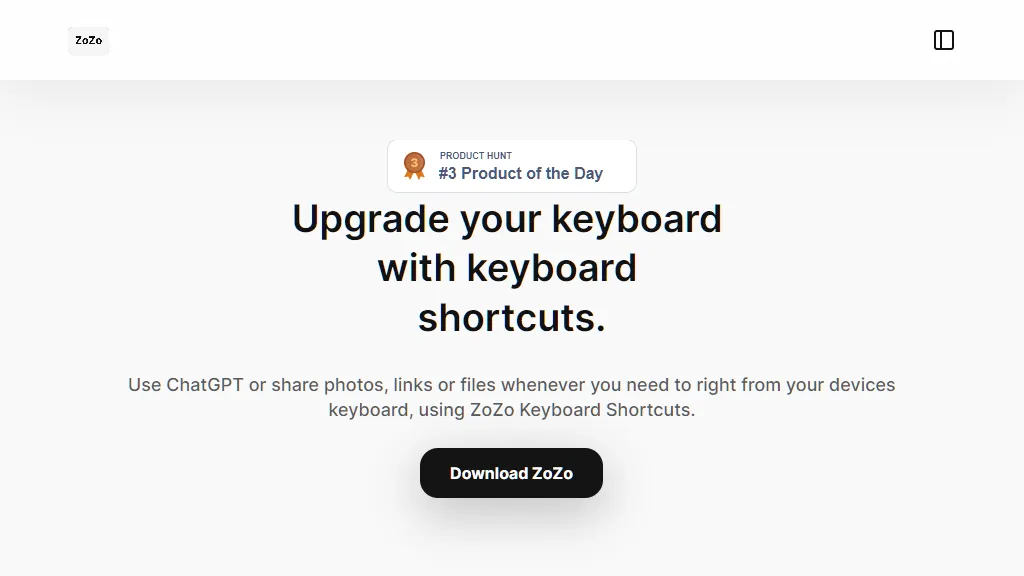
ZoZo Keyboard Shortcuts is a feature-rich keyboard upgrade that allows users to enhance their typing experience and increase productivity. With ZoZo, users can access ChatGPT, share photos, links, or files directly from their device's keyboard, making communication and content sharing seamless. ZoZo AI is compatible with iOS devices, giving users the convenience of accessing ChatGPT whenever and wherever they need it. To start using ZoZo Keyboard Shortcuts, users need to follow a simple four-step process. First, they choose the type of keyboard shortcut they want to create, which can be text, photo, link, or file. Next, users name the shortcut and upload the content they want to share whenever they use it. Afterward, the ZoZo keyboard needs to be added to the device's settings, granting full access for the optimal usage of the shortcuts. Finally, users can navigate to ZoZo's keyboard by tapping the Globe icon on their device's keyboard and start using their customized shortcuts. ZoZo offers flexible pricing options to cater to users' needs. The Freemium plan is free and includes limited features such as three shortcuts and five ZoZoGPT prompts. The ZoZo Pro plan costs $7.99 per month and provides unlimited shortcuts, shortcut grouping, Siri Shortcuts integration, customization options for app appearance and icons, and access to future feature releases. Additionally, users can opt for the ZoZo Pro Lifetime plan for $129.99, which offers the same features as the Pro plan but with a one-time payment. To stay updated with ZoZo's latest developments, users can sign up for their newsletter, ensuring they receive product updates, market news, and more. Overall, ZoZo Keyboard Shortcuts is a versatile tool that empowers users with efficient typing capabilities and enables seamless integration of ChatGPT into their everyday communication.