Tip Of AI
Discover what you can do with AI
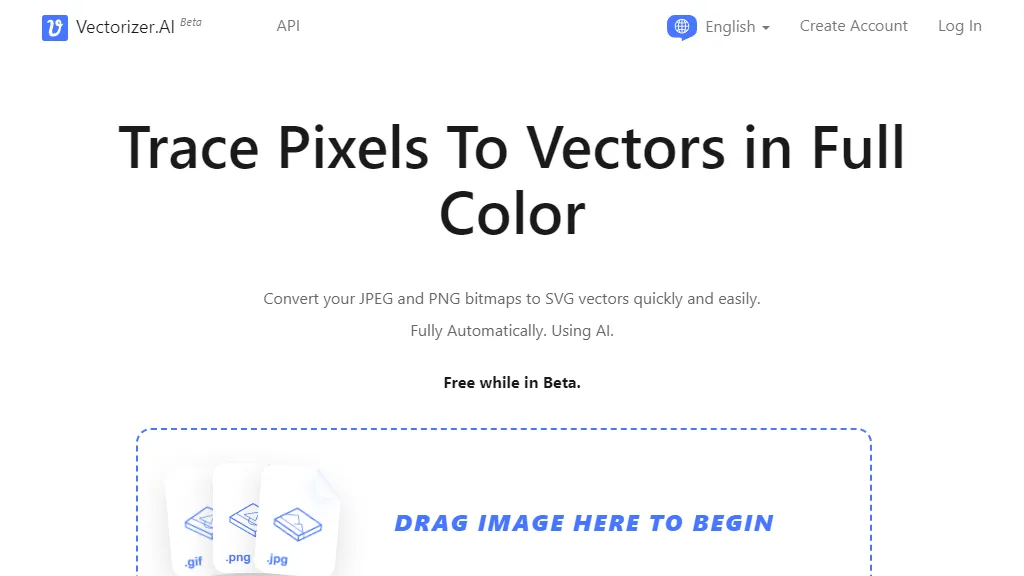
Vectorizer.AI Beta is an online tool that allows users to convert JPEG and PNG bitmaps into SVG vectors. The tool utilizes AI technology to automatically trace pixels and convert them into geometric shapes. This process is fully automated and requires no user input. When using Vectorizer.AI, users can simply pick a bitmap image, either by dragging and dropping it onto the page or by selecting it from their device. The tool's powerful servers, equipped with GPUs and multi-core CPUs, analyze and process the image to generate a vectorized version. The resulting vector image can be scaled to any resolution without losing quality, making it suitable for various applications such as printing, cutting, embroidering, and more. Users are able to preview the vectorized image and download it in different formats, including SVG, PDF, EPS, DXF, and PNG. The tool supports full color, transparency, and sub-pixel precision, ensuring accurate and high-quality results. Vectorizer.AI distinguishes itself from other similar tools through its AI capabilities, developed in-house over 15 years. The AI algorithm is able to extract details that traditional methods often miss and make educated guesses when pixel data is unclear. The tool also offers advanced features such as fitting complex geometric shapes, optimizing corners, and supporting a range of curve types. While currently in beta, the service is free for users. However, API customers will be charged for access after the beta period, starting on September 15th, 2023. The tool is compatible with various file formats, including JPEG, PNG, WEBP, BMP, and GIF, and offers flexibility in terms of output formats and options. Overall, Vectorizer.AI provides a user-friendly and efficient way to convert bitmaps to vectors, leveraging AI technology and advanced algorithms to deliver high-quality results for various applications.