Tip Of AI
Discover what you can do with AI
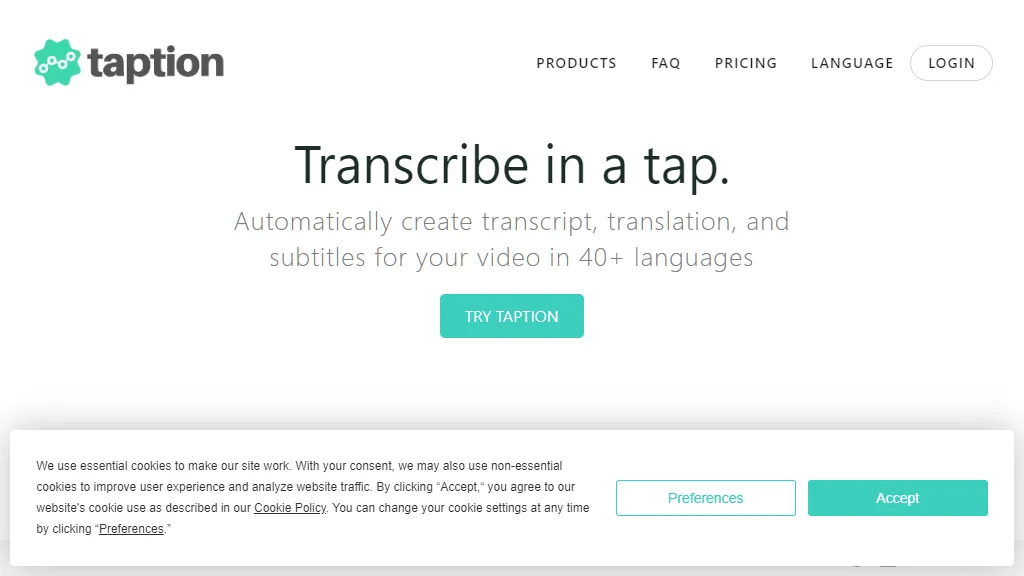
Taption is a powerful platform that offers a range of features to help you transcribe, translate, and create subtitles for your videos in over 40 languages. With just a tap, you can easily convert your videos into text and automate the transcription process. Whether your videos are stored on your device, YouTube, Google Drive, or Zoom, Taption can seamlessly transcribe them for you. One of the key features of Taption is the ability to add captions or bilingual subtitles to your videos automatically. This can greatly enhance the accessibility of your content and make it easier for viewers to understand and engage with your videos. Additionally, Taption allows you to translate your videos into 50+ languages, ensuring that your content can reach a global audience. You can also label speakers in your audio files, making it easier to follow conversations and discussions. Another unique feature of Taption is the ability to convert your audio files into a video format with captions. Simply upload your audio file and an image, and Taption will create an MP4 video with synced captions. Taption provides a simple workflow that allows you to upload your media files, edit your transcripts, translate them, and then export them in multiple formats such as subtitles-burned-in-video, SRT, VTT, PDF, and TXT. The platform also includes collaboration features, allowing you to share your account with team members and manage user permissions. Overall, Taption offers a comprehensive set of tools for transcribing, translating, and adding subtitles to your videos. Its intuitive interface and wide range of language support make it an invaluable resource for content creators, businesses, and individuals looking to expand their reach and improve the accessibility of their video content.