Tip Of AI
Discover what you can do with AI
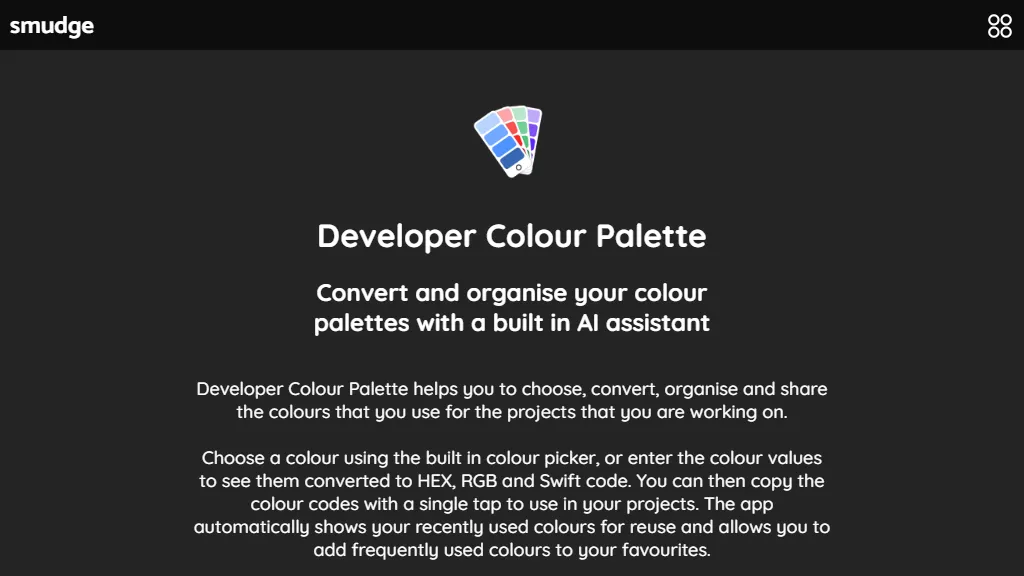
Developer Colour Palette is a comprehensive app designed to assist developers in choosing, converting, organizing, and sharing colors for their projects. With a built-in AI assistant, the app streamlines and simplifies color palette management. Users can choose colors using the app's built-in color picker or enter color values to convert them to HEX, RGB, and Swift code. The app allows easy copying of color codes for seamless integration into projects. Additionally, the app keeps track of recently used colors and allows users to create a list of frequently used colors for quick access. Organization is a key feature of Developer Colour Palette. Users can group colors into different palettes for each project or brand, assign names to describe their usage, and write notes for each palette and color. All created palettes and added colors are automatically synced to the cloud and accessible across all Apple devices. Sharing capabilities are also integrated into the app. Users can share their palettes with team members or clients to ensure a consistent color palette. Permissions can be set for each person, granting or denying access for reading, adding, editing, or removing colors. The app also allows users to accept or deny invitations to shared palettes. The app offers additional features like AI color extraction and AI palette generation. Users can import images, client logos, or style guide files and use the AI-powered color picker to select specific colors from the image. The app automatically scans the image, extracts dominant colors, and creates a new palette with a single tap. For inspiration, the AI Assistant tool can generate palettes based on certain phrases or find the color of an object. By inputting phrases like "The sea" or "New York Taxi," the assistant generates shades of blue or the color code of New York Taxi yellow. Developer Colour Palette is available on iPhone, iPad, and Mac. It can be downloaded from the App Store with a 14-day free trial. After the trial period, a subscription is required, which includes access to AI features. Subscription management and cancellation can be done through Account Settings. Prices may vary by location. In conclusion, Developer Colour Palette is a powerful tool for developers, offering a range of features including color conversion, organization, sharing, AI color extraction, and AI palette generation. With automatic syncing and multi-device accessibility, it provides a seamless experience for managing and utilizing color palettes in projects.