Tip Of AI
Discover what you can do with AI
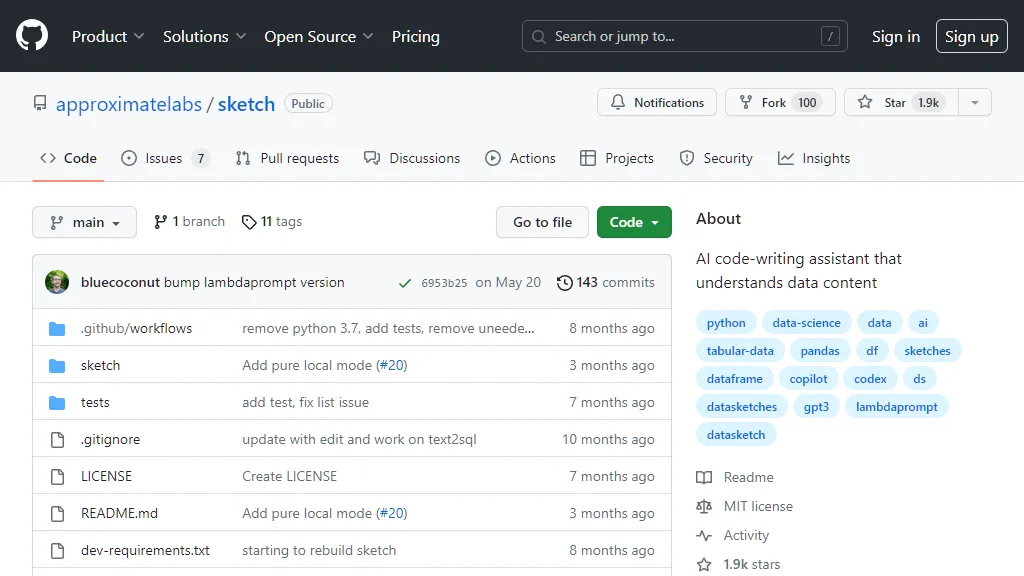
Sketch is an AI code-writing assistant designed specifically for pandas users. It improves the relevance of code suggestions by understanding the context of the data. One of the key features of Sketch is that it can be used without the need to add a plugin to your integrated development environment (IDE). To use Sketch, you can simply install it using the pip package manager: `pip install sketch`. Once installed, Sketch can be imported into your Python script or notebook. You can then use the `.sketch` extension on any pandas dataframe to access additional functionalities. There are several features offered by Sketch. - The `.sketch.ask` feature allows you to ask questions about your data and receive answers based on the summary statistics and descriptions of the data. - The `.sketch.howto` feature provides code-writing prompts. It generates code blocks that you can use as a starting point for various tasks such as data cleaning, feature creation, plotting, and model building. - The `.sketch.apply` feature is an advanced prompt that is useful for data generation. It can be used to parse fields, generate new features, and more. Sketch utilizes efficient approximation algorithms known as data sketches to summarize the data quickly. It then feeds this summarized information into language models to generate relevant code suggestions. In the future, Sketch aims to utilize custom "data + language" foundation models to further improve the accuracy of its results. Sketch is available under the MIT license and is written in Python. It has gained popularity with over 1.9k stars on GitHub and is used by 74 projects. It has a community of contributors who actively contribute to its development and improvement.