Tip Of AI
Discover what you can do with AI
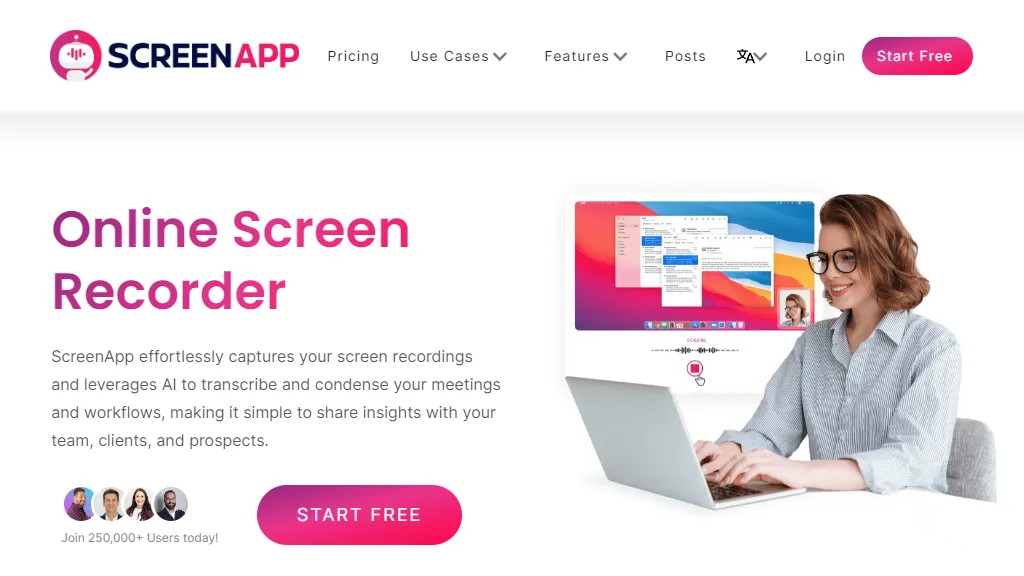
ScreenApp is an online screen recorder that offers a range of features to enhance productivity and collaboration. With over 250,000 users, it is a popular choice for recording meetings, workflows, tutorials, and presentations. One of the key features of ScreenApp is its clear audio capture and watermark-free recordings. It allows users to save their captures directly as MP4 files, making it easy to share and edit the recordings. The tool also offers trimming functionality, allowing users to effortlessly trim their videos and share specific segments instantly. ScreenApp leverages advanced AI technology to transcribe videos and summarize them into searchable texts. This feature is particularly useful for tutorials, presentations, and meetings, as it enables quick and easy review of video content. The AI-powered video summarizer can condense lengthy webinars, podcasts, and Zoom recordings into concise summary videos, emphasizing the key points for viewer engagement. One of the standout features of ScreenApp is its secure storage and sharing capabilities. Users can store and share their recordings securely with colleagues, granting access to team spaces and editing permissions. The tool also offers cloud storage options and the ability to upload recordings for future reference. ScreenApp is user-friendly and requires no software downloads or extensions. It can be accessed from any device with an internet connection. The tool also offers integration options for developers who wish to incorporate screen recording capabilities into their websites or applications. Overall, ScreenApp is a powerful and versatile screen recording tool that offers a range of features to enhance communication, collaboration, and productivity. Its AI-powered transcription and summarization capabilities, along with its secure storage and sharing options, make it a valuable asset for individuals and teams alike.