Tip Of AI
Discover what you can do with AI
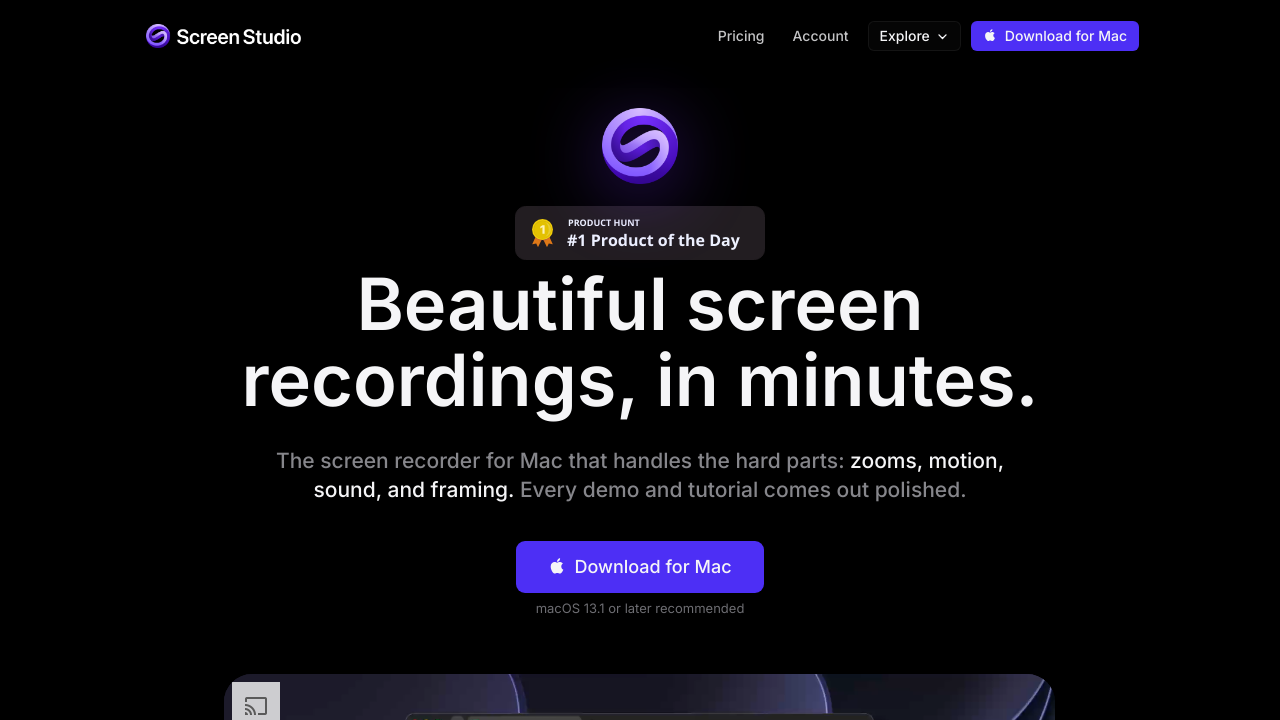
Screen Studio is a professional screen recording and video editing application designed exclusively for macOS. It helps users create polished product demonstrations tutorials online courses software walkthroughs and social media videos without requiring advanced editing skills. The tool automatically handles zoom effects smooth cursor movement click animations motion blur framing and layout transitions. Users can record an entire display a single window or a selected area while including webcam footage microphone audio and system sound. Camera layouts include fullscreen camera split screen camera overlay screen only and camera cutout. The application can remove the background from webcam footage and keep the users face centered through face tracking. Screen Studio supports transcript based editing captions noise reduction filler word removal pause trimming background music speaker notes and AI voiceover. Users can export videos in wide square or vertical formats including MP4 up to 4K at 60 frames per second and GIF files. It also supports iPhone and iPad recordings device mockups shareable links comments view counts project sharing and privacy masks. Processing is primarily performed locally on the Mac with optional cloud features. macOS 13.1 or later is recommended.