Tip Of AI
Discover what you can do with AI
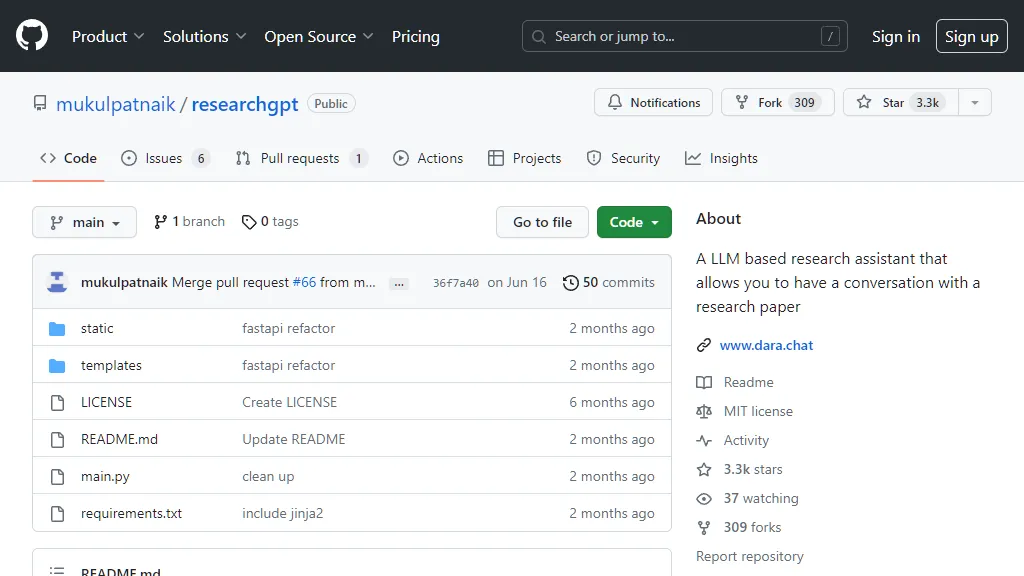
ResearchGPT is a simple FastAPI app that provides a clean interface for conducting conversations with any PDF document. It offers the functionality to either enter a link to a PDF hosted online or upload your own PDF file. The app then extracts the text from the PDF, creates embeddings from the text, and utilizes the OpenAI API to generate responses to questions asked. Additionally, the app returns the source of the text it used to generate the response, along with the corresponding page number. One notable feature of ResearchGPT is its interactive demo, which showcases various capabilities available on the live demo. The demo allows users to experience the app's functionalities firsthand. To install ResearchGPT, you can clone the GitHub repository and navigate to the project directory. Afterward, use the provided `requirements.txt` file to install the necessary dependencies. Furthermore, the app relies on Redis for storing embeddings locally on the user's machine. Usage of ResearchGPT requires an OpenAI API key, which needs to be set as the environment variable 'OPENAI_API_KEY'. Instructions for obtaining the API key can be found on the OpenAI platform's website. Once the key is acquired, it should be added to the environment variable in the user's `.bashrc` or `.zshrc` file. ResearchGPT is licensed under the MIT license, and contributions in the form of pull requests are welcome. If you wish to collaborate on the project, you can reach out to the developer via email or Twitter. The app's website, www.dara.chat, provides further information about ResearchGPT and its capabilities.