Tip Of AI
Discover what you can do with AI
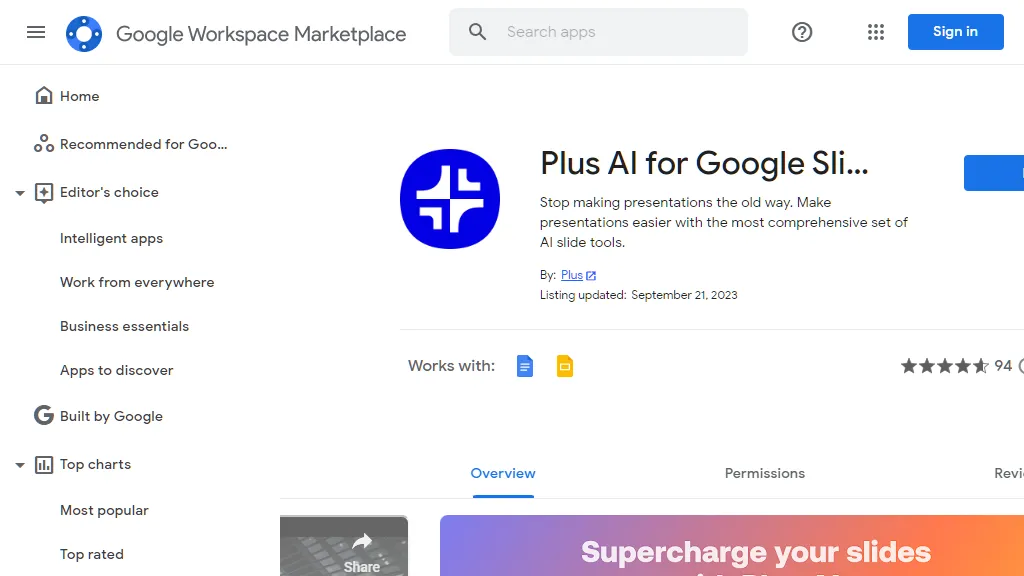
Plus AI for Google Slides is a comprehensive set of AI slide tools that aims to revolutionize the way presentations are created and edited. With this powerful tool, users can leverage the same AI technology used in ChatGPT to make stunning presentations for work and school. One of the standout features of Plus AI is its ability to eliminate the time-consuming process of creating slides from scratch. Instead, users can rely on AI to handle the tedious work, allowing them to focus on more important tasks. The Plus AI features are designed to enhance the presentation creation process. Users can utilize the Edit with Plus AI function to insert new slides, rewrite existing ones, or even remix slide layouts. This feature can convert plain text slides into well-formatted three-column slides, saving users valuable time. Additionally, Plus AI offers a presentation AI that allows users to design custom themes effortlessly. By simply typing in the desired theme name, the Google Slides AI will automatically select beautiful fonts and colors to create visually captivating decks. Collaboration is made seamless with Plus AI. Users can co-create and co-write with the AI, which provides valuable tips and tricks to enhance the quality of each slide. Plus, teams can ensure consistent designs, styles, and tones across their presentations by creating shared themes and custom-trained AI models. Plus Snapshots is another notable feature that allows users to pull data from various analytics tools and apps. By using the browser extension, users can take snapshots and automatically update the data on their slides. Plus AI is an ideal tool for a variety of use cases and personas. Sales professionals can generate customized slide decks effortlessly, while educators can save time by using Plus AI to create online courses and training materials. Businesses can also benefit from Plus AI, using it as a personal business analyst to perform basic research, transform content into slide decks, and create polished presentations. Presentation templates are readily available within Google Slides, eliminating the need for separate template galleries or learning new apps. With Plus AI, users can design the perfect presentation templates for their organization and easily share them with their team. The process of using Plus AI is straightforward. Users simply need to write a short description of the presentation they want, and Plus AI generates a presentation outline. This outline can be adjusted as needed before Plus AI writes the slides. Users can then review and make final edits, and they are ready to present. One of the standout features of Plus AI is Plus Snapshots, which allows users to capture snapshots of websites, apps, and dashboards. These snapshots can be embedded in Google Docs and Slides, and users can refresh all their snapshots with a single click. Plus also integrates with popular collaboration tools like Notion, Tome, Confluence, and Canva, allowing users to embed live snapshots and set up automated Slack subscriptions. Plus AI is developed by Plus, a company focused on building AI productivity tools to enhance day-to-day work. Plus AI specifically focuses on streamlining the creation, revision, and outlining of presentations. Overall, Plus AI for Google Slides is a powerful tool that brings the capabilities of AI to the world of presentations. With its range of features and seamless integration with Google Slides, users can elevate their presentation creation process and save valuable time and effort. Whether it's sales presentations, educational materials, or business reports, Plus AI offers valuable solutions for various use cases.