Tip Of AI
Discover what you can do with AI
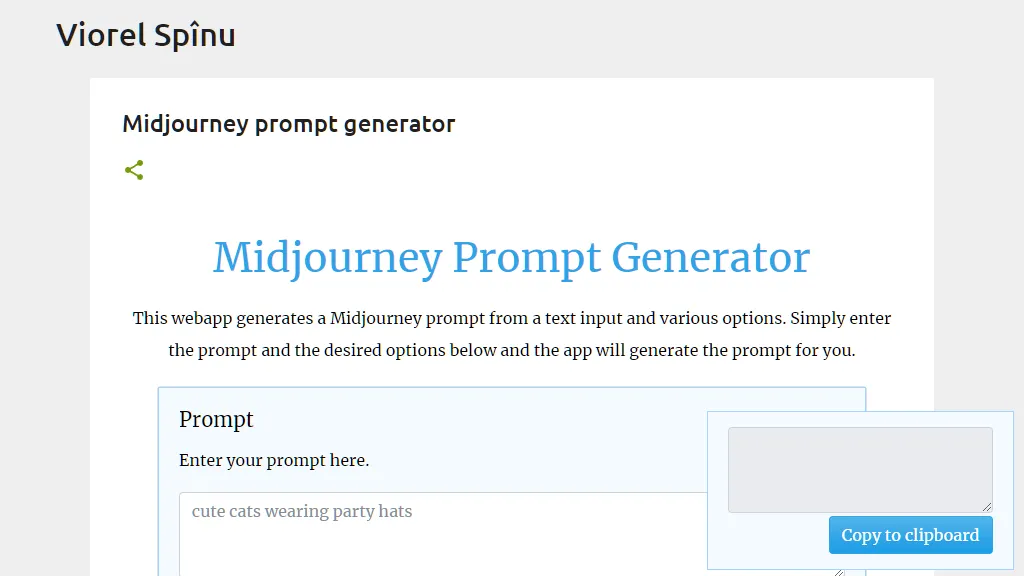
The webapp being described in the given text is the Midjourney Prompt Generator. This web application allows users to generate Midjourney prompts by entering text inputs and selecting various options. The generated prompts can be used for various purposes such as generating art prompts, creating visual identities, and more. The features of the Midjourney Prompt Generator include: 1. Text Input: Users can enter their desired prompt in the provided text input field. 2. Options Selection: Users can select various options from different categories such as medium, lighting, painter, art movement, rendering engine, perspective, material, camera, filter, scene type, chaos, and more. These options allow users to customize their prompts based on their preferences. 3. Seed: Users can set a specific seed value, which helps in generating similar prompts again in a steady and reproducible manner. 4. Image Weight: Users can set the weight of the image prompt relative to the text weight to determine the importance of the image in the generated prompt. 5. Height and Width: Users can set the height and width of the generated image within certain predefined ranges to control the resolution and aspect ratio of the image. 6. Quality: Users can set the rendering quality of the generated prompt, with higher values increasing the rendering quality but also increasing the processing time. 7. Stylize: Users can set the level of stylization for the generated prompt, where higher values result in more opinionated and stylized images. 8. Uplight: Users can enable the use of the "light" upscaler when selecting certain options, resulting in images that are closer to the original image with less detail added during the upscale. 9. Beta and HD: Users can choose between different algorithms for generating prompts, with the Beta algorithm being experimental and potentially better for larger images, and the HD algorithm being suitable for abstract and landscape prompts at higher resolutions. 10. Same Seed: Users can choose to apply the same seed value to all images in the resulting grid, providing higher variety or consistency in the prompt generation. 11. Video: Users have the option to save a progress video, which is sent to them in a direct message upon reacting to the message with an envelope emoji. It is important to note that the Midjourney Prompt Generator does not have any server component, and all prompts and settings are generated locally in the user's browser. The source code of the application is available on GitHub for transparency and inspection. Feedback from users of the Midjourney Prompt Generator has been overwhelmingly positive, with many expressing gratitude for the simplicity and usefulness of the tool. Many users have found it helpful in generating prompts for art projects and other creative endeavors, and have praised its intuitive interface and ease of use. Overall, the Midjourney Prompt Generator is a powerful web application that allows users to generate customized prompts for various purposes, with a wide range of options and settings to tailor the prompts to their specific needs and preferences.