Tip Of AI
Discover what you can do with AI
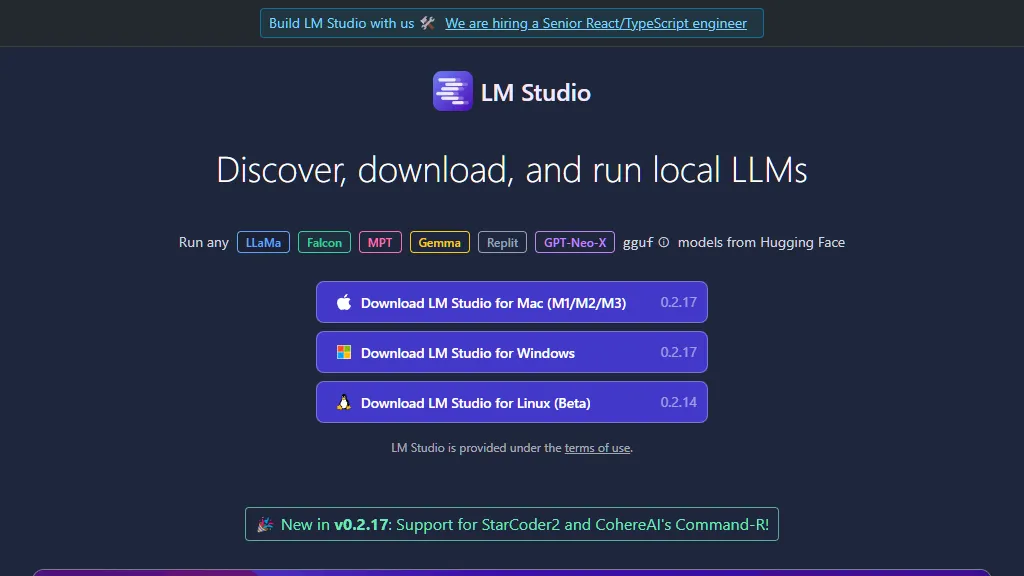
LM Studio is a powerful software tool that allows users to discover, download, and run local LLMs (Language Model Models) on their laptops. It is designed for React/TypeScript engineers and is available for Mac, Windows, and Linux operating systems. With LM Studio, users can run any compatible LLMs, such as LLaMa, Falcon, MPT, Gemma, Replit, and GPT-Neo-X, from Hugging Face repositories. It offers support for models like StarCoder2 and CohereAI's Command-R. The latest version, v0.2.17, introduces new features, including supporting additional models and improving compatibility. One of the key features of LM Studio is its offline capability. Users can run LLMs entirely offline, ensuring privacy and data security. The app does not collect any user data or monitor user actions, keeping all data local and private on the user's machine. LM Studio provides an intuitive in-app Chat UI and an OpenAI compatible local server for interacting with the models. Users can download compatible model files from HuggingFace repositories and easily discover new and noteworthy LLMs in the app's home page. To use LM Studio, users need a Mac with M1/M2/M3 processors, a Windows PC with a processor that supports AVX2, or a Linux PC. It is recommended to have at least 16GB of RAM and 6GB of VRAM for optimal performance, and NVIDIA/AMD GPUs are supported. LM Studio is provided under the terms of use and is free for personal use. For business use, users can fill out the LM Studio @ Work request form for further information. LM Studio is developed by a small team located in Brooklyn, New York, USA. They are actively hiring, and interested individuals can check their careers page for open positions.