Tip Of AI
Discover what you can do with AI
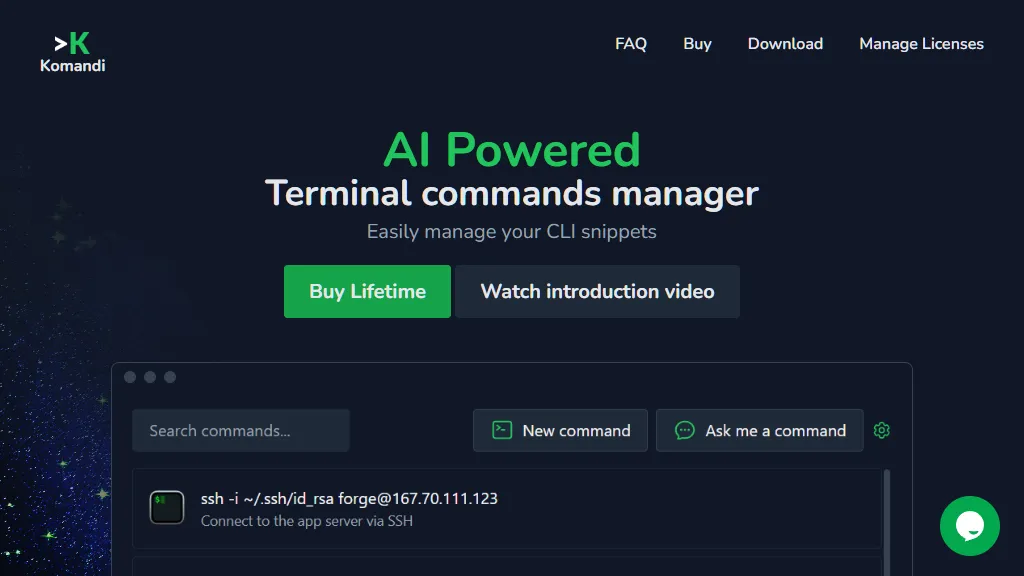
Komandi is an AI-powered terminal commands manager that aims to make it easier for developers and system administrators to manage their CLI snippets. With Komandi, users can generate terminal commands from natural language prompts using AI, eliminating the need to search for complicated commands. The main features of Komandi include the ability to insert, favorite, copy, and execute commands, whether they are AI-generated or manually created. It also includes a feature that detects and marks potentially dangerous commands to prevent accidental execution. Additionally, the software allows users to copy and execute commands directly or on specific paths. It is compatible with macOS, Windows, and Linux, making it accessible for users across different operating systems. Users can also search for commands and execute or copy them using shortcuts. Komandi provides the option to import and export commands, although this feature is coming soon. By using Komandi, users can say goodbye to the clutter of commands.txt files on their desktops and enjoy the convenience of having all their commands organized and easily accessible in one place. The software is available for purchase at a launch price of $9, offering lifetime updates and the ability to insert and execute unlimited commands. Purchasing a license also includes 10,000 AI tokens for command generation, and more tokens can be bought on the Komandi website if needed. Komandi offers a 7-day money-back guarantee for users who are not satisfied with their purchase. Refunds can be requested by contacting contato@kingofcode.com.br. It is worth noting that Komandi does not require users to create an account to buy a license. The only information stored is the email from the payment gateway (Stripe) and the license code. Users can manage their licenses using the Licenses Manager. Overall, Komandi aims to simplify command management and streamline workflows for developers and system administrators by leveraging AI technology to generate and manage terminal commands effectively.