Tip Of AI
Discover what you can do with AI
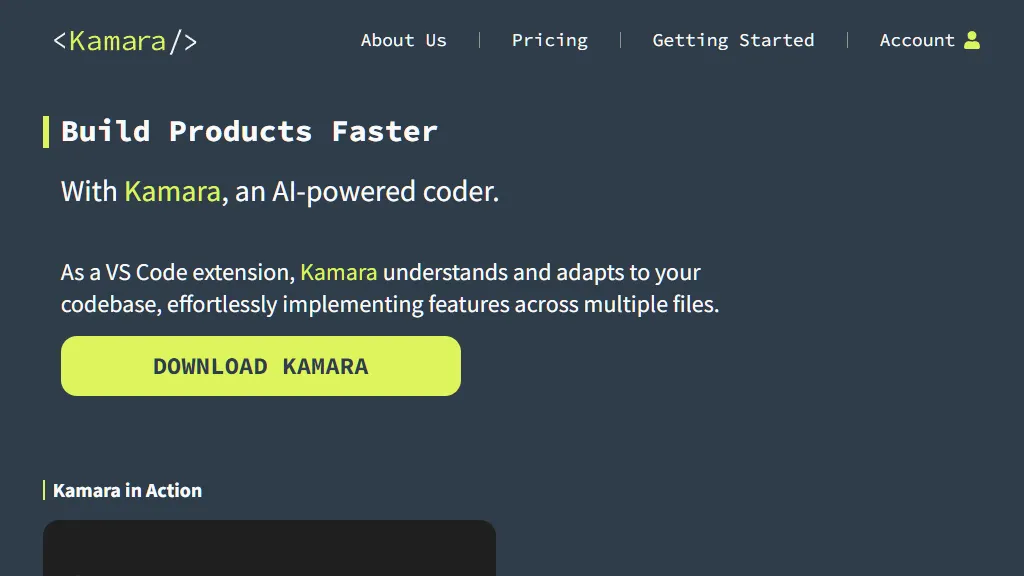
Kamara is an AI-powered coder that allows developers to build products faster and with greater efficiency. It is a Visual Studio Code (VS Code) extension that understands and adapts to your codebase, making it easy to implement features across multiple files. To get started with Kamara, you need to install the VS Code extension and log in using your GitHub or Google account. Once logged in, you can create a .kamara.json file in the root of your project, which includes a description and sourceFolders fields. This allows Kamara to understand your project and provide accurate assistance. Kamara works best with shorter files, so if you have a large file, you can ask Kamara to split it into smaller ones. It is also recommended to have a clear idea of how to implement something, as Kamara works best when given specific instructions. Pricing for Kamara is based on a credit system. You pay for the amount of code that is read and written by Kamara. The price is $10 for every 200k credits. You can choose the desired amount of credits to purchase, and for $20, you will receive 400,000 credits. Kamara is developed by a small team of software engineers who are actively working on the extension. They welcome user feedback and provide a form to submit feedback, as well as a Discord server to join the Kamara community. Overall, Kamara aims to enhance productivity for developers by providing AI-powered coding assistance, making it easier and faster to build products.