Tip Of AI
Discover what you can do with AI
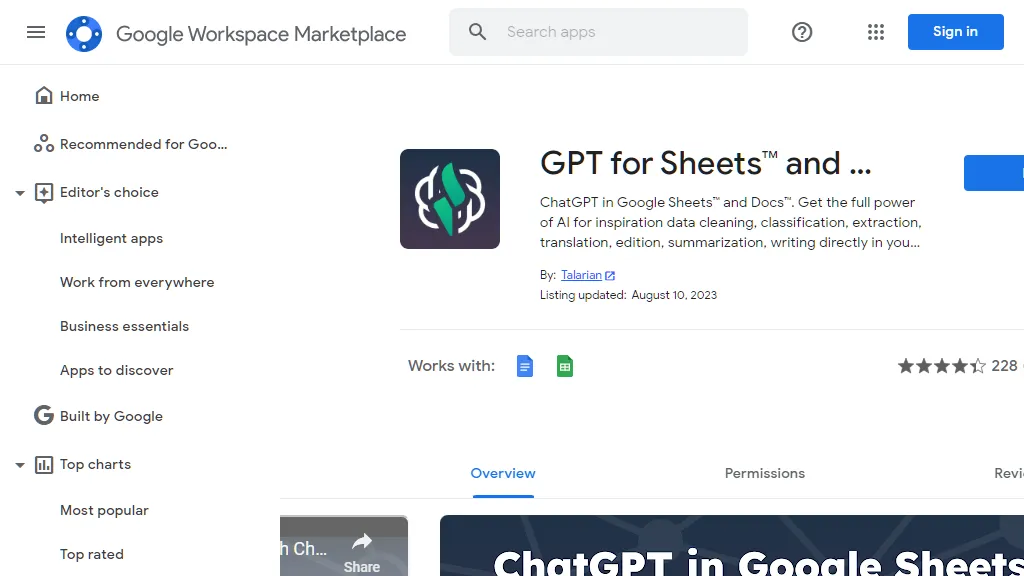
GPT for Sheets™ and Docs™ is an AI-powered add-on that brings the full power of ChatGPT and other generative AI models to Google Sheets™ and Docs™. It allows users to perform a wide range of text-related tasks such as writing, editing, extracting, cleaning, translating, summarizing, outlining, and explaining directly within their Sheets™ and Docs™ documents. The add-on supports various AI models, including OpenAI GPT-3.5, GPT-4, and Anthropic Claude. Users can choose the model that best suits their needs based on factors like cost, latency, and capability. In Google Sheets™, the default model used for all functions is gpt-3.5-turbo, while in Google Docs™, it is gpt-3.5-turbo-16k. Users have the option to select the desired model from the sidebars, depending on their specific requirements. GPT for Sheets™ and Docs™ provides several custom functions that leverage the AI capabilities, including GPT, GPT_LIST, GPT_TABLE, GPT_FILL, GPT_FORMAT, GPT_EXTRACT, GPT_EDIT, GPT_SUMMARIZE, GPT_CLASSIFY, GPT_TAG, GPT_TRANSLATE, GPT_CONVERT, GPT_MAP, and GPT_SPLIT. These functions enable users to perform tasks like generating blog post ideas, writing paragraphs or procedures, cleaning up data, classifying content, summarizing reviews, and much more. The add-on also allows users to experiment easily with hyperparameters, such as temperature, model selection (including fine-tuned models), and maxTokens. GPT for Sheets™ and Docs™ is currently free to use during the beta phase. However, users will be responsible for the API costs from OpenAI or Anthropic. The add-on is developed by Talarian.io, the creator of popular add-ons like YAMM, Form Publisher, and Awesome Table. It is important to note that Talarian is not affiliated with OpenAI or Anthropic. For more information on setting up the add-on and accessing its features, users can visit the GPT for Work website, which also provides video tutorials for guidance.