Tip Of AI
Discover what you can do with AI
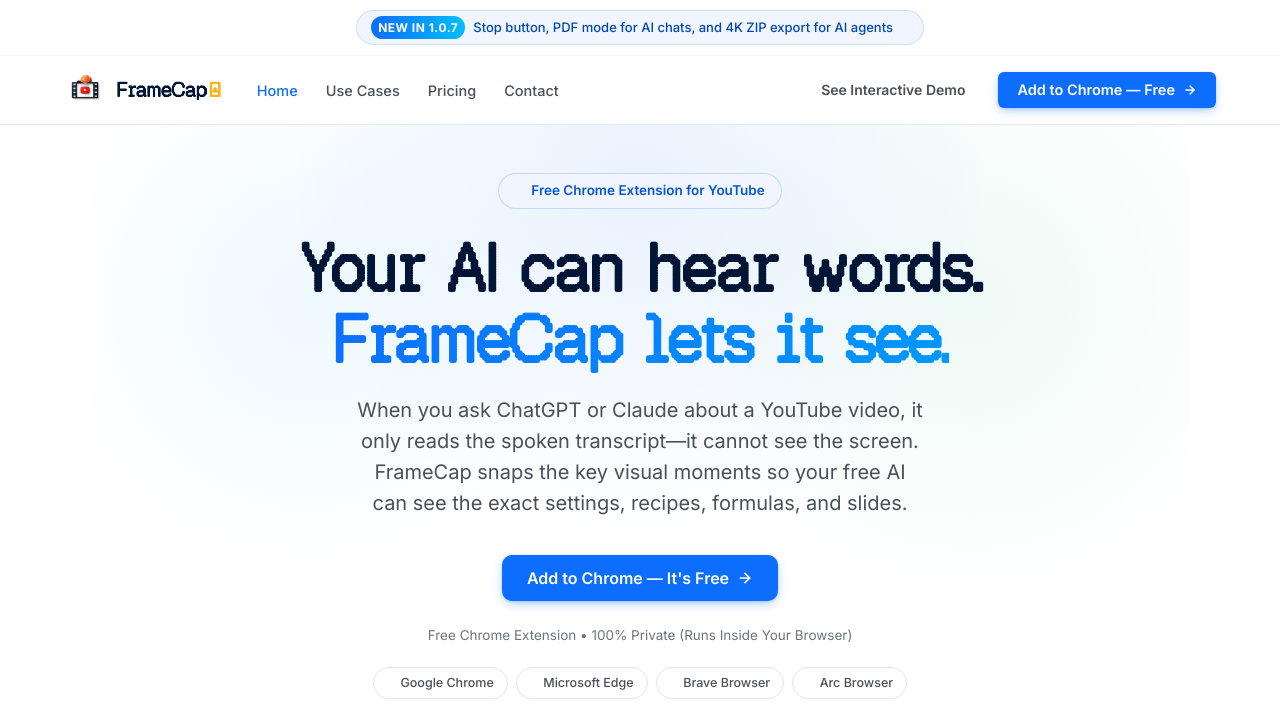
FrameCap is a free browser extension that helps ChatGPT Claude Gemini and Perplexity understand YouTube videos more completely. Most AI assistants can process spoken words from captions but cannot see the code slides formulas settings charts or demonstrations shown on screen. FrameCap solves this problem by capturing timestamped video frames together with a timestamped transcript from the videos captions. Users can choose to capture a frame every one to fifteen seconds and can process YouTube videos up to sixty minutes long. The extension supports Google Chrome Microsoft Edge Brave and Arc browsers. After capture it can open an AI chat with a PDF containing the frames and transcript or download a ZIP package for coding agents such as Claude Code Codex and Cursor. PDF pages can contain two or four frames to keep small text and code readable and captures can reach up to 4K quality. FrameCap operates inside the browser without requiring an account API key subscription or manual screenshots. The product states that it does not monitor other tabs access passwords or send data to external servers. Captions are required and automatically generated captions are supported. It is useful for coding tutorials lectures Excel guides software troubleshooting UI design and technical demonstrations.