Tip Of AI
Discover what you can do with AI
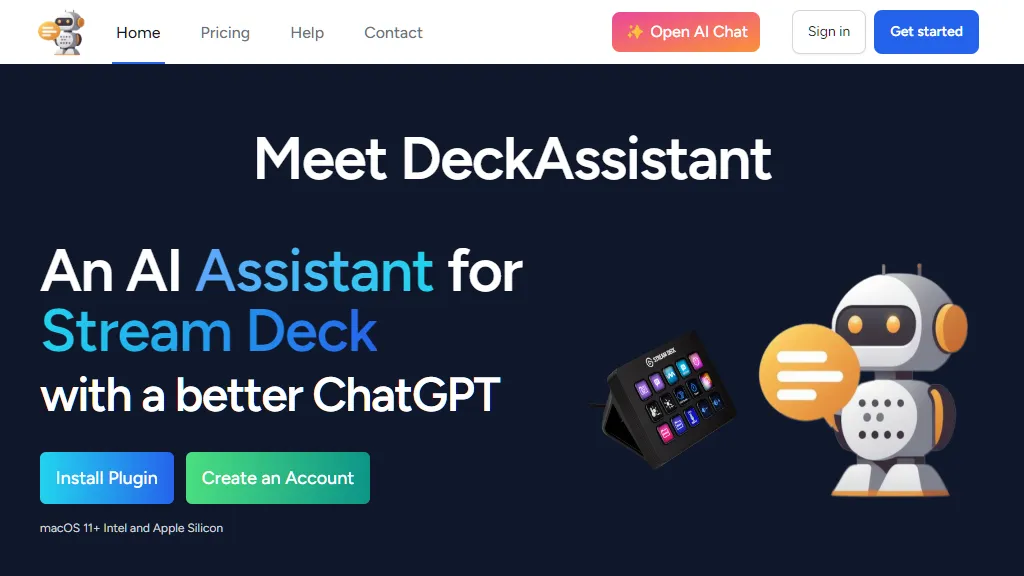
DeckAssistant is an AI Assistant designed specifically for Stream Deck, offering a superior ChatGPT experience. With DeckAssistant, users can press a button on the Stream Deck to have the AI process the selected text, or they can bring up a freeform prompt to directly communicate with the AI. One of the standout features of DeckAssistant is its improved ChatGPT interface. Users can initiate conversations through the Stream Deck plugin and seamlessly continue them online. The interface offers various functionalities to enhance the user experience, including folder organization for chats, custom prompts, message editing, data export, history search, favorites, and the ability to export screenshots of chats. Additionally, DeckAssistant provides a prompt library for easy access to example prompts. One of the key advantages of DeckAssistant is its ability to process selected text from any application with just a button press, eliminating the need for copy-pasting into ChatGPT. Users can also set any prompt they desire or choose the freeform prompt option for asking the AI questions directly. To get started with DeckAssistant, users need to create an account, copy the API token from their dashboard, install the Stream Deck plugin, add a button and paste the API token, and witness the magic unfold. DeckAssistant is developed by Martijn Smit from Lostdomain and offers updated features and a seamless AI chat experience for Stream Deck users.