Tip Of AI
Discover what you can do with AI
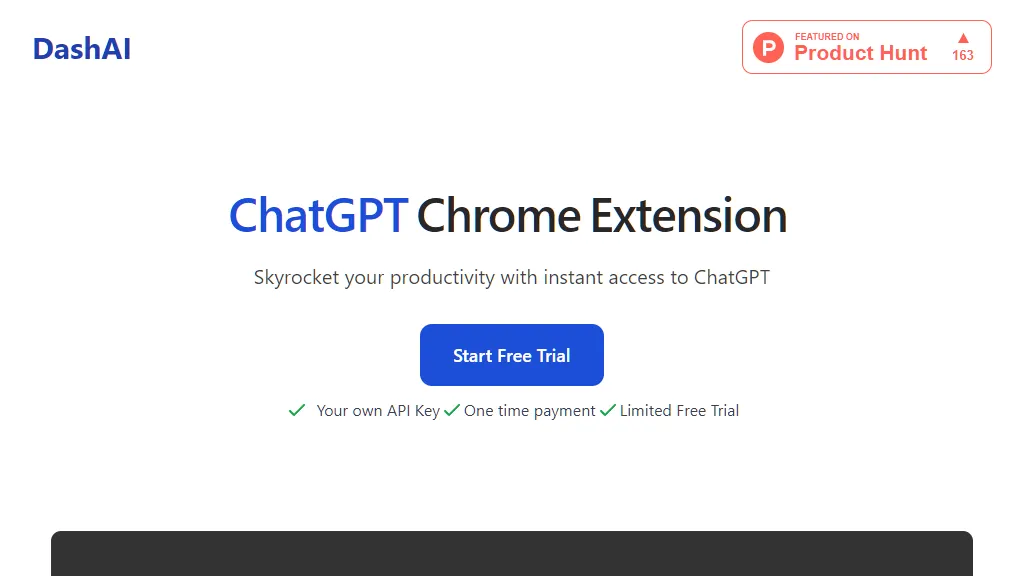
DashAI is a Chrome extension that provides instant access to ChatGPT, allowing users to enhance their productivity. By installing DashAI, users can enjoy a range of features that make browsing the web more efficient and convenient. One of the key features of DashAI is the Side Chat function. With a simple keyboard shortcut (⌘ + k), users can open a side chat on every webpage, enabling them to interact with ChatGPT seamlessly. This feature comes with a vast prompt library, offering a wide range of conversation starters and suggestions for users to get started. Another useful feature is the Summaries tool. By using the ⌘ + B shortcut, users can quickly summarize any webpage they're on. This saves time for users who don't want to read lengthy articles, as they can get the key takeaways and the main points of the article in a concise format. DashAI also includes AI Quick Actions, allowing users to highlight any text on a webpage and execute commands. Users can choose from a built-in set of commands such as summarizing or translating, and can even customize and add their own commands. For those who prefer voice input, DashAI provides the Transcriptions feature. Users can quickly record audio from any webpage and have it transcribed into text, enabling them to draft replies to emails or make social media posts using their voice. Additionally, DashAI offers an experimental AI Text Expander feature, which generates AI-generated content in any text box. By starting a text field with 'dash:' followed by a command and hitting enter, users can quickly generate AI-generated content on their favorite websites. DashAI ensures a smooth user experience with its easy-to-use Chrome Extension, eliminating the need for context switching. Users can interact with ChatGPT from any webpage, with features such as chatting, voice transcriptions, and AI quick actions available instantly. The extension also provides a Chat History feature, which saves the entire chat history within the extension. This allows users to search for specific keywords and continue their conversations seamlessly. DashAI offers a comprehensive Prompt Library with over 100 prompts to choose from, allowing users to interact with ChatGPT in creative ways and explore various conversation topics. The Chrome Extension also provides shortcuts and configurations, enabling users to easily open the extension and summarize webpages. Users can also disable the extension on select webpages, providing flexibility in its usage. When it comes to pricing options, DashAI offers a free trial, allowing users to try out the extension before committing to a purchase. The free trial includes all features and allows users to use their own OpenAI API Key, with a limit of 20 ChatGPT interactions. The free trial does not require a license key. For users who wish to continue using DashAI after the free trial period, a one-time payment option is available at a discounted price of $17 (regularly priced at $29). This payment provides unlimited license activations, access to all future updates, and unrestricted usage of DashAI. Additionally, there is an option to purchase the source code for $59. This allows users to learn about the implementation of DashAI and customize the code according to their preferences. However, future updates are not available with the source code purchase. DashAI also provides a FAQ section to address common queries from users. Users can find information on how DashAI works, where to download the Chrome extension, whether there is a free trial, refund policy, access to GPT4, and support options. Additionally, the extension ensures the privacy and security of user data by storing it locally within the browser. Overall, DashAI is a powerful Chrome extension that offers a range of features to enhance productivity and efficiency while browsing the web. With its seamless integration of ChatGPT and user-friendly interface, DashAI provides an intuitive solution for users to interact with AI and streamline their online activities.