Tip Of AI
Discover what you can do with AI
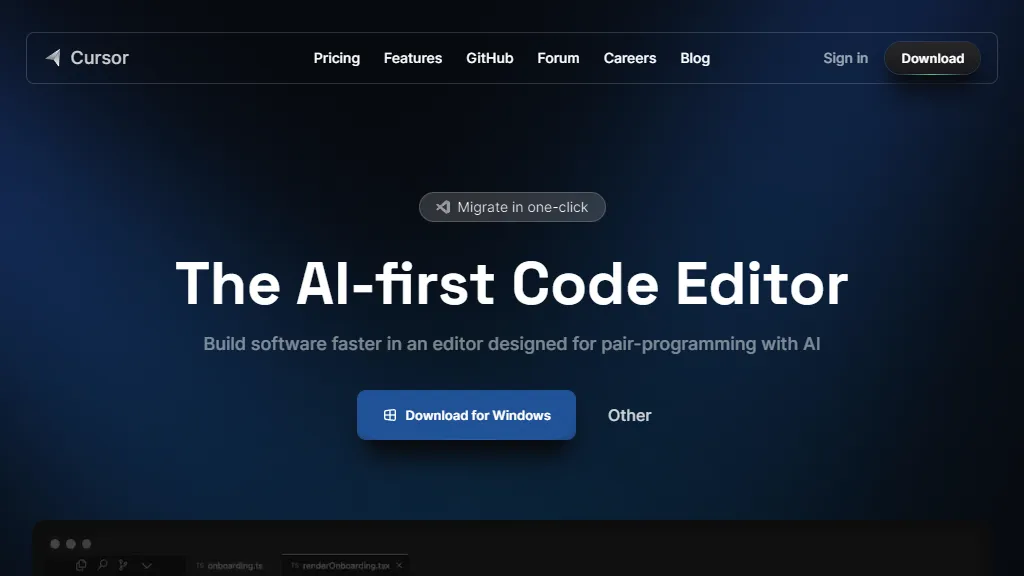
Cursor is an AI-first code editor designed to help engineers build software faster. With its features and capabilities, it unlocks massive speedups for developers. One of its key features is the ability to chat with your project, allowing you to ask questions and get answers tailored to your specific code repository. This saves time and avoids the need to search for relevant code. Cursor also enables you to browse documentation directly within the editor. This means you can refer to documentation, code definitions, and files without leaving your coding environment. Additionally, the AI capabilities of Cursor allow it to make code changes for you. You can stay focused on what matters while the AI writes low-level logic or even changes entire methods or classes with a single prompt. Another powerful feature of Cursor is its ability to generate code from scratch with a simple instruction. This can be a huge time-saver for developers who need to create code quickly. Cursor also helps with bug-spotting and fixing by scanning your code for bugs and providing quick solutions. It can also investigate linter errors and stack traces to determine the root cause of your bugs. In terms of security, Cursor offers a one-click migration feature that allows you to import all your favorite vscode extensions, themes, and keybindings. It also has a local mode, where none of your code is stored in their servers or logs. Cursor is loved by developers worldwide, with tens of thousands of engineers using it to enhance their productivity. If you want to experience the benefits of Cursor, you can try it for free by downloading it for Mac.