Tip Of AI
Discover what you can do with AI
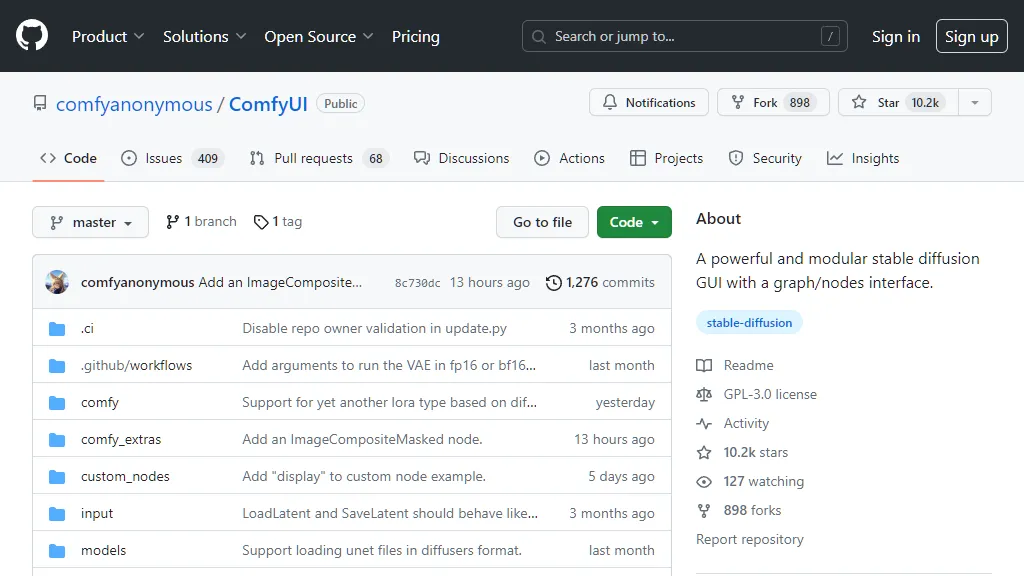
ComfyUI is a powerful and modular GUI (Graphical User Interface) for stable diffusion, a computational technique used in machine learning. It provides a user-friendly interface that allows users to design and execute complex stable diffusion workflows without the need for coding. Some of the main features of ComfyUI include: 1. Nodes/Graph/Flowchart Interface: Users can experiment and create complex stable diffusion workflows using a graph/nodes/flowchart-based interface. This eliminates the need for writing code and makes it easier for users to visualize and manipulate their workflows. 2. Support for Different Versions: ComfyUI fully supports SD1.x, SD2.x, and SDXL, ensuring compatibility with different versions of stable diffusion. 3. Asynchronous Queue System: This feature allows users to queue up multiple graphs for generation, enabling efficient execution and management of workflows. 4. Optimizations: ComfyUI optimizes workflow execution by re-executing only the parts that have changed between executions, saving computational resources and time. 5. GPU and CPU Support: ComfyUI works on GPUs with less than 3GB VRAM (Video Random Access Memory) using the "--lowvram" command-line option. It also works on CPUs, although it may be slower. 6. Model Support: The interface can load different types of models and checkpoints, including ckpt, safetensors, diffusers, Standalone VAEs, and CLIP models. It also supports embeddings and textual inversion. 7. Workflow Management: ComfyUI allows users to save and load workflows as JSON files, making it easier to share and reuse their designs. 8. Additional Features: ComfyUI includes various additional features, such as area composition, inpainting models, control networks, model merging, upscaled models, unCLIP models, GLIGEN, and latent previews with TAESD. ComfyUI can be installed on different platforms, including Windows, Linux, Apple macOS, and AMD GPUs. It requires the installation of specific dependencies and can be run using the "python main.py" command. Overall, ComfyUI simplifies the process of creating and executing advanced stable diffusion workflows, making it accessible to both beginners and experienced users in machine learning and computer vision.