Tip Of AI
Discover what you can do with AI

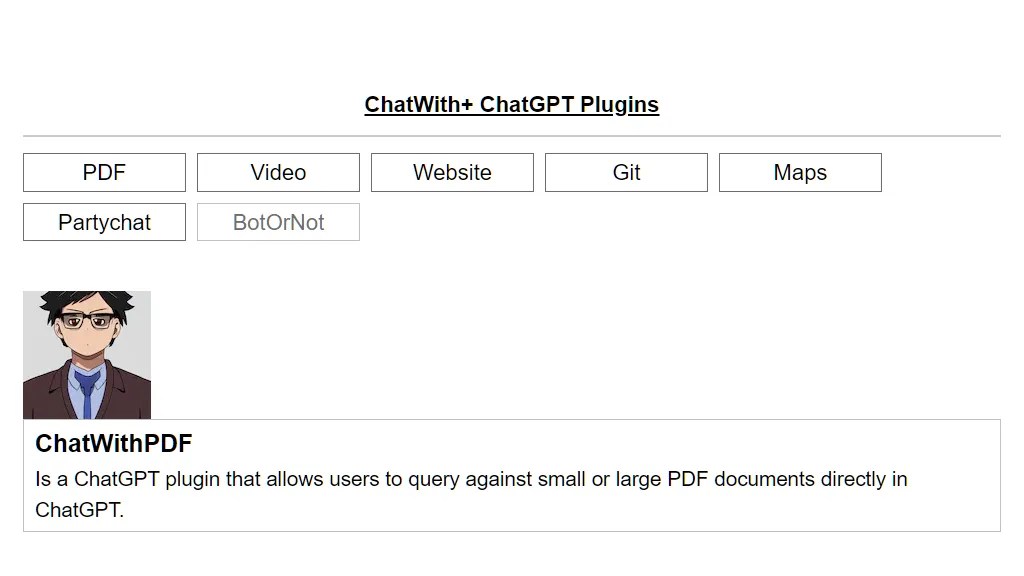
ChatWithPDF is a plugin for ChatGPT that allows users to query against small or large PDF documents directly within ChatGPT. This plugin offers a convenient way to process and semantically search PDF documents based on user queries. It offers various features to enhance the PDF searching experience. With ChatWithPDF, users can search PDFs directly in ChatGPT regardless of the size, language, topic, length, or quality of the document. It provides the flexibility to search any PDF, making it suitable for various use cases and research purposes. The privacy of user data is a priority for ChatWithPDF. The plugin does not store any data permanently. All PDFs are embedded and wiped immediately. The embeddings are stored with ChromaDB on the same deployment server and are wiped with each new deployment. The embeddings are typically manually purged every 12-24 hours due to size and memory constraints. In the future, all embeddings will be deleted one hour after the user requests them. Although users with a link can fetch embeddings from the cached vector database, they cannot access or determine what other users have searched or embedded. To use ChatWithPDF, users simply need to provide a publicly accessible PDF URL that can be accessed from Incognito mode, or upload the document to a service like tmpfiles.org. The plugin downloads and processes the PDF, extracting relevant information. User queries are then matched with the processed information, and the most suitable matches are displayed to the user. Overall, ChatWithPDF is a powerful tool that allows users to search and find relevant information within PDF documents using the familiar interface of ChatGPT. It streamlines the process of extracting valuable insights from PDFs and enhances the research and information retrieval experience for users.