Tip Of AI
Discover what you can do with AI
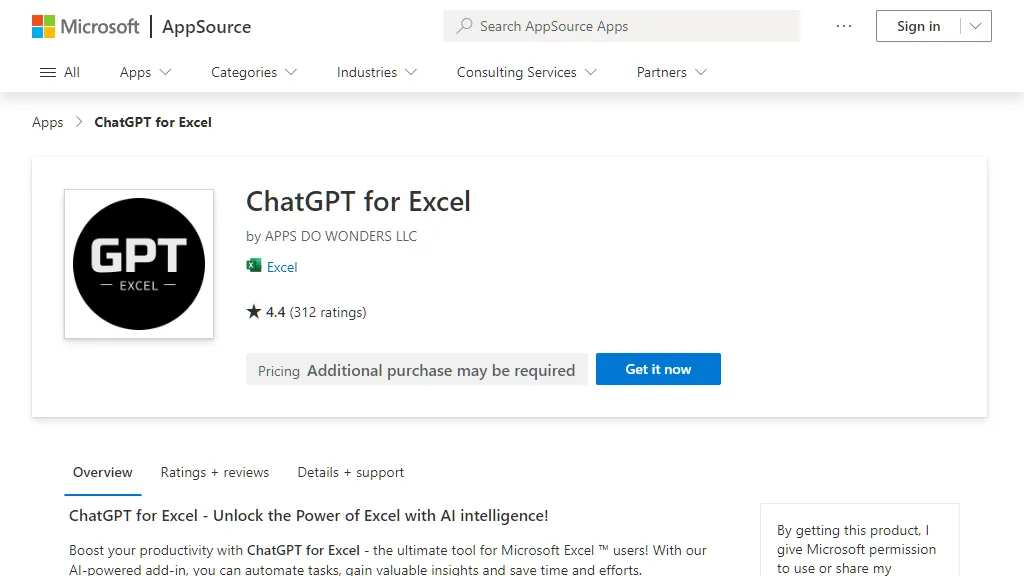
ChatGPT for Excel is an AI-powered add-in designed to enhance the functionality of Microsoft Excel. With this tool, users can automate tasks, gain valuable insights, and save time and effort. Some of the key features of ChatGPT for Excel include: 1. AI.ASK: This feature allows users to leverage AI to write engaging content, compelling descriptions, blogs, and emails. AI can generate high-quality written content on behalf of the user, saving them time and effort. 2. AI.LIST: This feature enables the AI to generate list outputs in separate rows, helping users organize their thoughts and data more efficiently. 3. AI.FILL: With AI.FILL, users can teach the AI to clean their data and fill in missing ranges. This feature streamlines data cleaning processes and ensures data accuracy. 4. AI.FORMAT: AI.FORMAT helps users quickly format their data, ensuring consistency and improved data presentation. 5. AI.EXTRACT: This feature is particularly useful for extracting insights from unstructured data. The AI can analyze and extract valuable information from unstructured data sources. 6. AI.TRANSLATE: With AI.TRANSLATE, users can translate their content into multiple languages, helping them reach a global audience. By utilizing these features, users can maximize their productivity, automate routine tasks, and gain valuable insights from their Excel data. ChatGPT for Excel can be a powerful tool for professionals who heavily rely on Excel for data analysis and reporting. Please note that additional purchases may be required for certain features or functionalities of ChatGPT for Excel.