Tip Of AI
Discover what you can do with AI
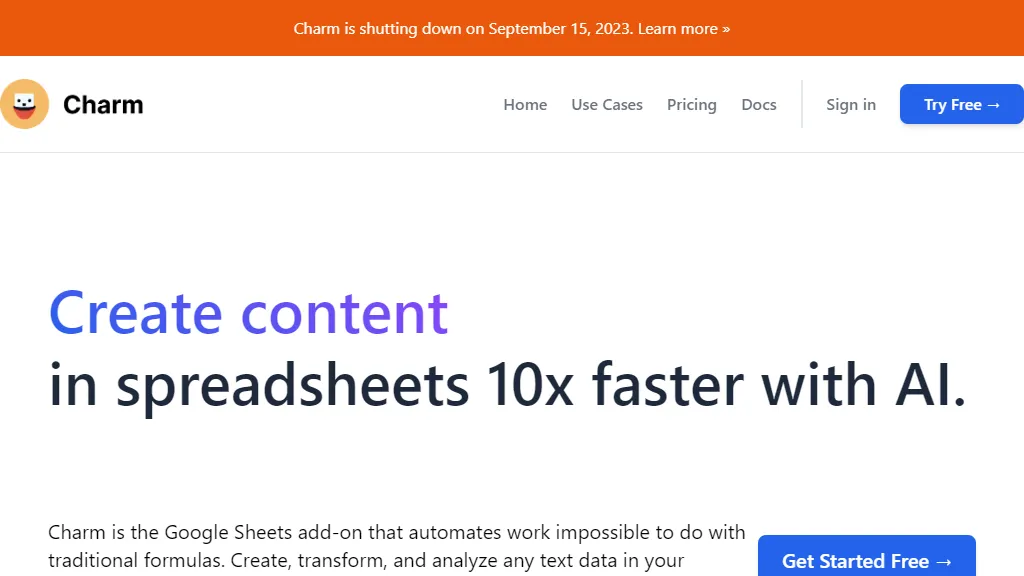
Charm is a Google Sheets add-on that revolutionizes data handling and analysis by utilizing artificial intelligence. With Charm, users can easily clean messy data, create content, summarize feedback, and classify sales leads in spreadsheets at a speed up to 10 times faster than traditional formulas. The add-on allows users to create, transform, and analyze any text data directly within Google Sheets. It offers a range of powerful features and capabilities to enhance productivity and efficiency. For cleaning messy data, Charm can automatically normalize addresses, separate columns, and extract entities, saving significant time and effort. Generating content becomes a breeze with features like rewriting SEO content, writing blog posts, and even generating variations of product descriptions. Charm also enables users to generate dummy data, such as first and last names, addresses, and phone numbers. This feature is particularly useful for testing and simulating real-world scenarios. Additionally, the add-on can summarize content by generating bullet-point summaries or rewriting existing content with fewer words. Another notable feature of Charm is its text classification capabilities. Users can categorize product feedback, prioritize sales leads, and discover new trends within their data. This functionality is highly valuable for researchers, marketers, and product managers. Charm is highly appreciated by its users, including analysts, marketers, and product managers. According to Alec Ploof, the Head of Growth at Moment, Charm is a groundbreaking tool that has saved him a significant amount of time by automating tasks such as categorizing data and generating new written variations. To get started with Charm, users can sign up for a free account and explore its various features. The add-on offers flexibility with the option to cancel anytime. Charm is developed by Shubhro and based in New York City, promising a reliable and professional solution for data handling and analysis in Google Sheets.