Tip Of AI
Discover what you can do with AI
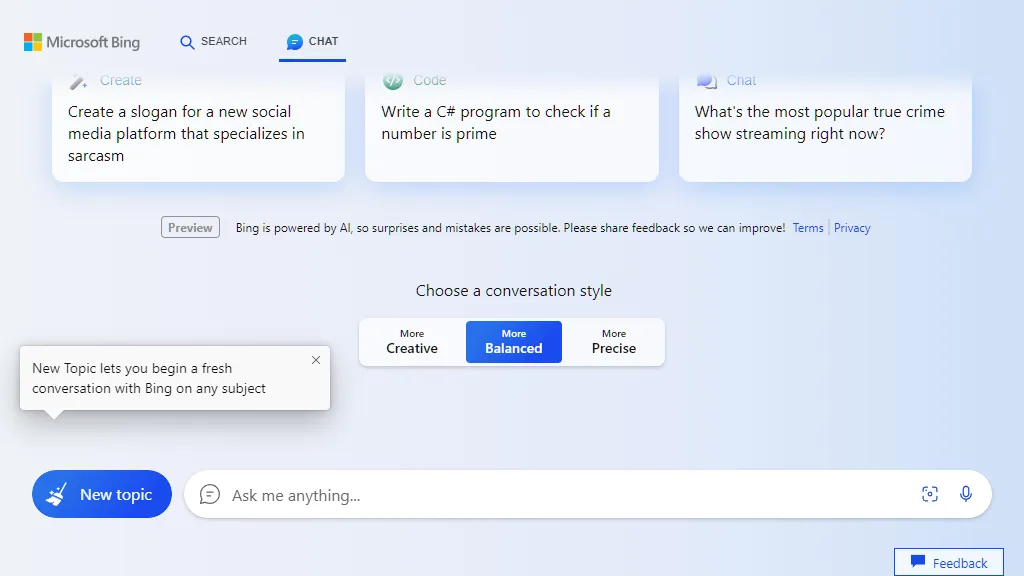
Bing Chat is an AI chatbot that is integrated with Microsoft's search engine. It uses a custom version of the ChatGPT chatbot from OpenAI to provide more human-like responses to prompts. To use Bing Chat, you need to use Microsoft Edge and go to Bing.com. You can then click on the Chat tab to start a conversation. Bing Chat offers three conversation styles: More Creative, More Precise, and More Balanced. More Creative provides longer, more descriptive, and imaginative answers, while More Precise provides shorter, straightforward search-focused answers. More Balanced is informative and friendly, somewhere between the other styles. You can ask follow-up questions, change the conversation style, and use the "New topic" option to start the conversation over. Bing Chat can also create images based on text input. However, the service is currently limited, meaning you can only perform up to 20 queries per session and up to 200 characters per query. Bing Chat is still in development, and Microsoft is gradually letting more people off a waitlist to test it.