Tip Of AI
Discover what you can do with AI
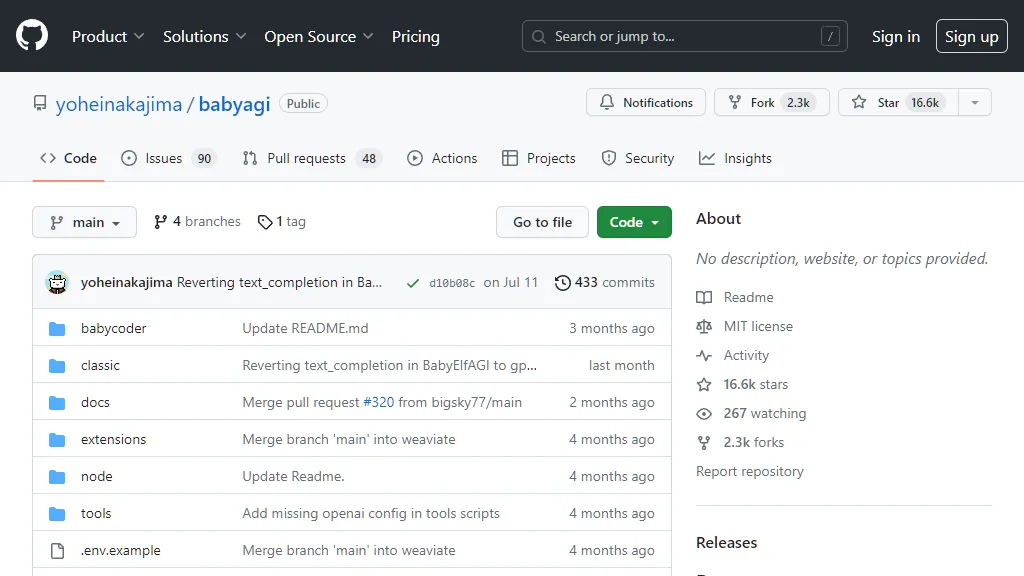
BabyAGI is a Python script that serves as an example of an AI-powered task management system. It utilizes OpenAI's natural language processing (NLP) capabilities and vector databases such as Chroma or Weaviate to create, prioritize, and execute tasks. The script follows a task-driven approach, where tasks are created based on the results of previous tasks and a predefined objective. The script works by running an infinite loop that completes the following steps: 1. Pulls the first task from the task list. 2. Sends the task to the execution agent, which uses OpenAI's API to complete the task. 3. Enriches the result and stores it in Chroma/Weaviate. 4. Creates new tasks and reprioritizes the task list based on the objective and previous task results. The execution_agent() function uses OpenAI's API to complete tasks. It sends a prompt that includes the AI system's task description, the objective, and the task itself. The function returns the result as a string. The task_creation_agent() function uses OpenAI's API to generate new tasks based on the objective and previous task results. It sends a prompt and receives a list of new tasks as strings, which are then returned as a list of dictionaries. The prioritization_agent() function uses OpenAI's API to reprioritize the task list. It sends a prompt and receives a reprioritized numbered list of tasks. The script also utilizes Chroma/Weaviate to store and retrieve task results for context. The results are stored in a Chroma/Weaviate collection specified by the TABLE_NAME variable. To use the script, you need to clone the repository, install the required packages, and set up the necessary variables in the .env file. The script can be run using the python babyagi.py command. It's important to note that running the script continuously can result in high API usage, so responsible usage is advised. Additionally, the OpenAI API needs to be correctly set up before running the script. BabyAGI is still in its early stages, and contribution to the project is welcomed. The author aims to keep the script simple and open to different approaches for expansion.