Tip Of AI
Discover what you can do with AI
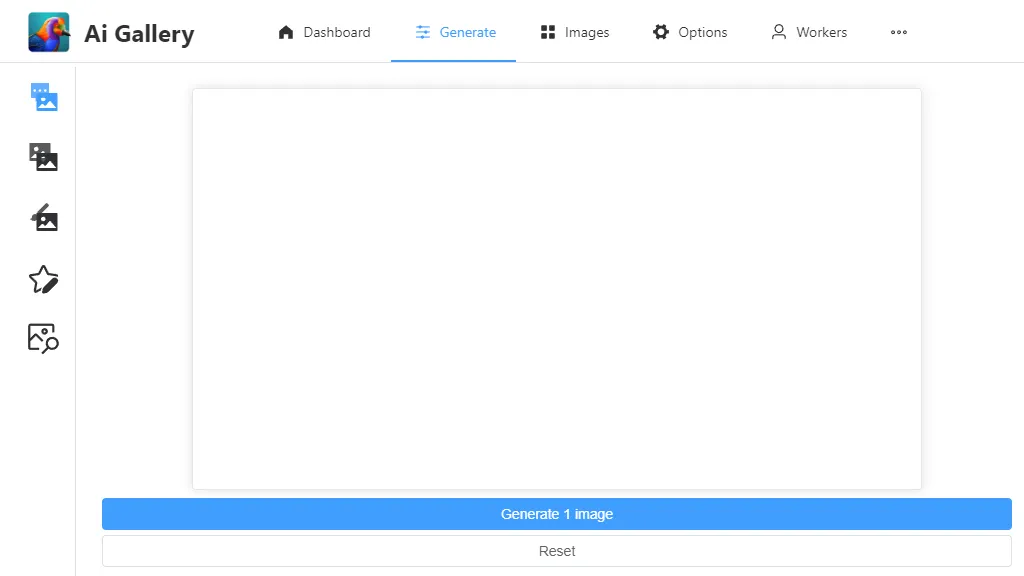
The AI Gallery is a feature-rich platform that offers users a wide range of options and tools to generate images using artificial intelligence. With its intuitive dashboard, users can easily navigate through various features and functionalities. The Generation Options allow users to customize their image generation process. They can input prompts or load previously used prompts from their history. They can choose a specific style to apply to their images and even specify a negative prompt to avoid certain visual elements. Users also have the option to save and load presets to streamline their workflow. The seed and sampler options allow for further customization, enabling users to experiment with different combinations and variations. Users can adjust various parameters to fine-tune their image generation. They can set the batch size, specify the number of steps, and define the width and height of the generated images. They can also enable guidance to provide additional context for the AI model. The CLIP Skip feature allows users to skip certain steps in the generation process, while the post-processors help enhance the final output. The platform even offers options such as hi-res fix, tiling, and NSFW filter for advanced customization. For advanced users, the AI Gallery provides multi-select, multi-model, multi-sampler, and multi-guidance options, allowing for simultaneous generation using multiple settings. Users can also control multiple parameters like steps, Karras setting, hi-res fix, and control type. Powered by InStyleAI, the AI Gallery promises fast and efficient image generation capabilities. It also offers a "Reset" button to start afresh and a "Generate 1 image" feature for quick results. Overall, the AI Gallery is a comprehensive tool that caters to both novice and advanced users, providing them with a plethora of features and options to generate unique and captivating images using artificial intelligence.