Tip Of AI
Discover what you can do with AI
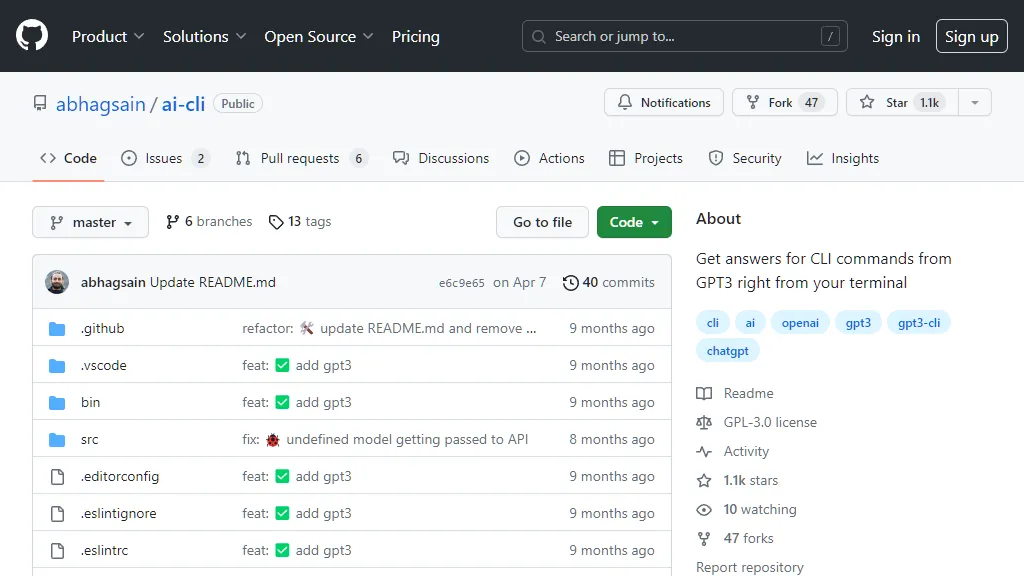
The AI CLI (Command Line Interface) is a tool that allows users to interact with OpenAI's GPT-3 (Generative Pre-trained Transformer 3) model directly from the command line. It is developed by abhagsain and is available as an npm package. The installation of AI CLI is simple and can be done by running the command "npm i @abhagsain/ai-cli -g" globally. Once installed, users can use the "ai ask" command followed by a question to prompt the GPT-3 model to generate a response. For example, "$ ai ask 'Check process running on port'". To use the AI CLI, users need to have an OpenAI API key. The API key can be obtained by creating an account on OpenAI's website and generating the key from the account settings. The pricing for using the GPT-3 model with the AI CLI is based on token usage. The current prompt length is approximately 840 tokens and the pricing for the "text-davinci-002" model is $0.02 for 1K tokens, which equates to approximately $0.017 per command. The response quality and per-command cost may be improved through fine-tuning in the future. Additionally, the AI CLI offers an autocomplete feature, which can be added by running the command "ai autocomplete" and following the instructions. The AI CLI is a powerful tool for developers and users who want to leverage the capabilities of GPT-3 for various applications directly from their command line interface.